Image size guide
Last updated: December 15, 2025
We've created this guide to help you choose the appropriate image sizes for your community. It includes recommended dimensions for images such as the logo, cover images, and thumbnails to help you ensure they appear properly within your community.
💡 Tip: Use our Canva templates to design stunning, on-brand images for your community! Each pack includes editable templates for different image types for a consistent look.
Please note that these Canva templates are available inside the Circle community for admins subscribed to paid plans only.
Community branding
Community logo
The recommended dimensions for community logos are 240x60 px with a 4:1 aspect ratio. You can upload your logo for both light and dark modes in the community theme settings.
💡 Tip: To maximize the size of your logo, remove as much white space as possible around the edges of the image.
Community icon
For your community icon, we recommend an image size of 32x32 px. Similar to the logo, you can upload icons for both light and dark modes through the theme settings.
Open Graph image
The Open Graph is the visual preview when your community content is shared on social media. The recommended dimensions for an Open Graph image are 1200x630 px with a 1.91:1 aspect ratio.
Spaces
Space icon
You can add custom icons for your community spaces. We recommend an image size of 280x280 px.
Cover image
To capture the attention of visitors and members, you can add a cover image at the top of the post, event, image spaces, and Feed. For your space cover images, we suggest 1600x500 px with a 16:5 aspect ratio.
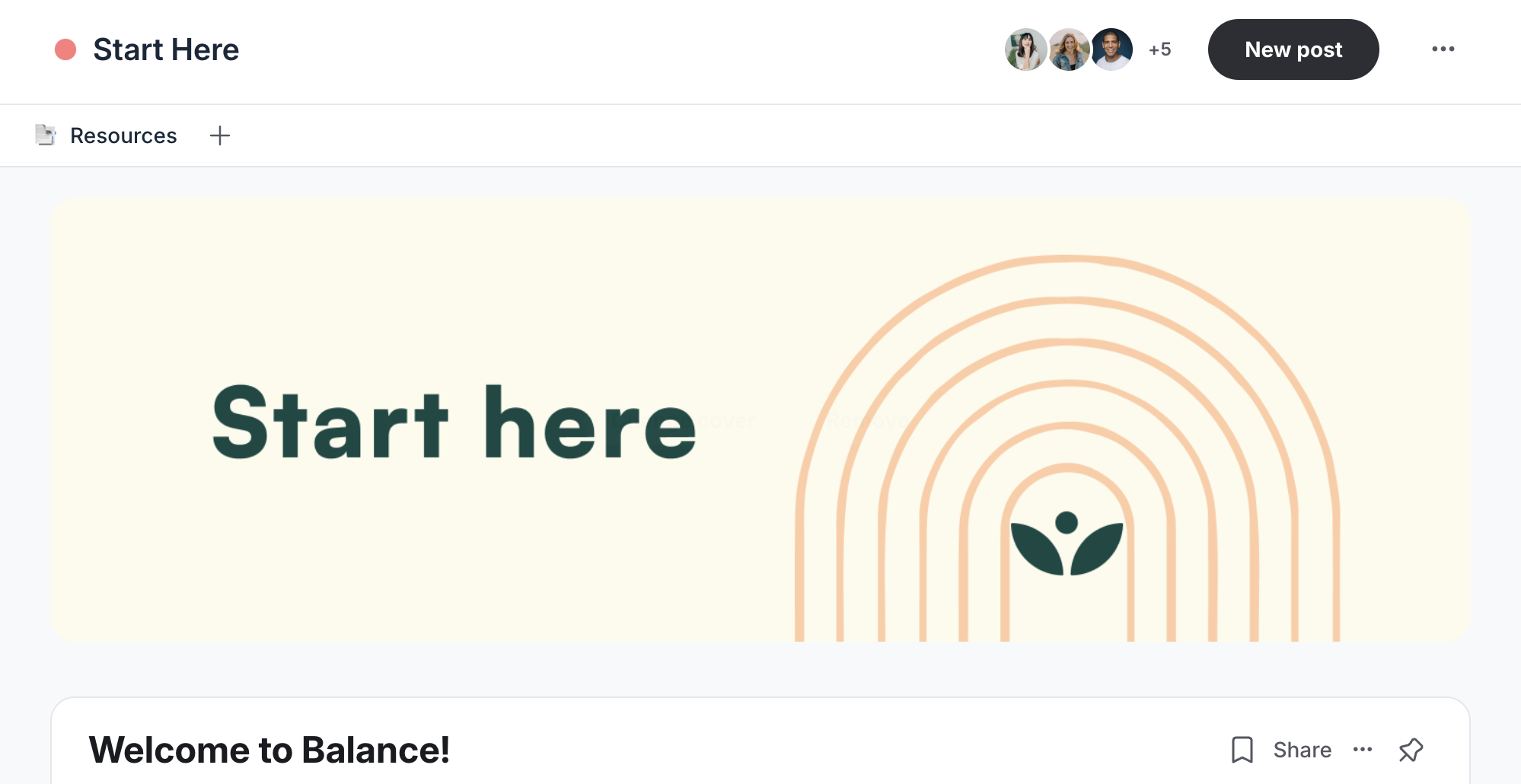
Mobile thumbnail (for mobile browsers and apps)
For spaces’ mobile thumbnails that display on mobile browsers and apps, we recommend an image size of 800x450 px with a 16:9 aspect ratio.
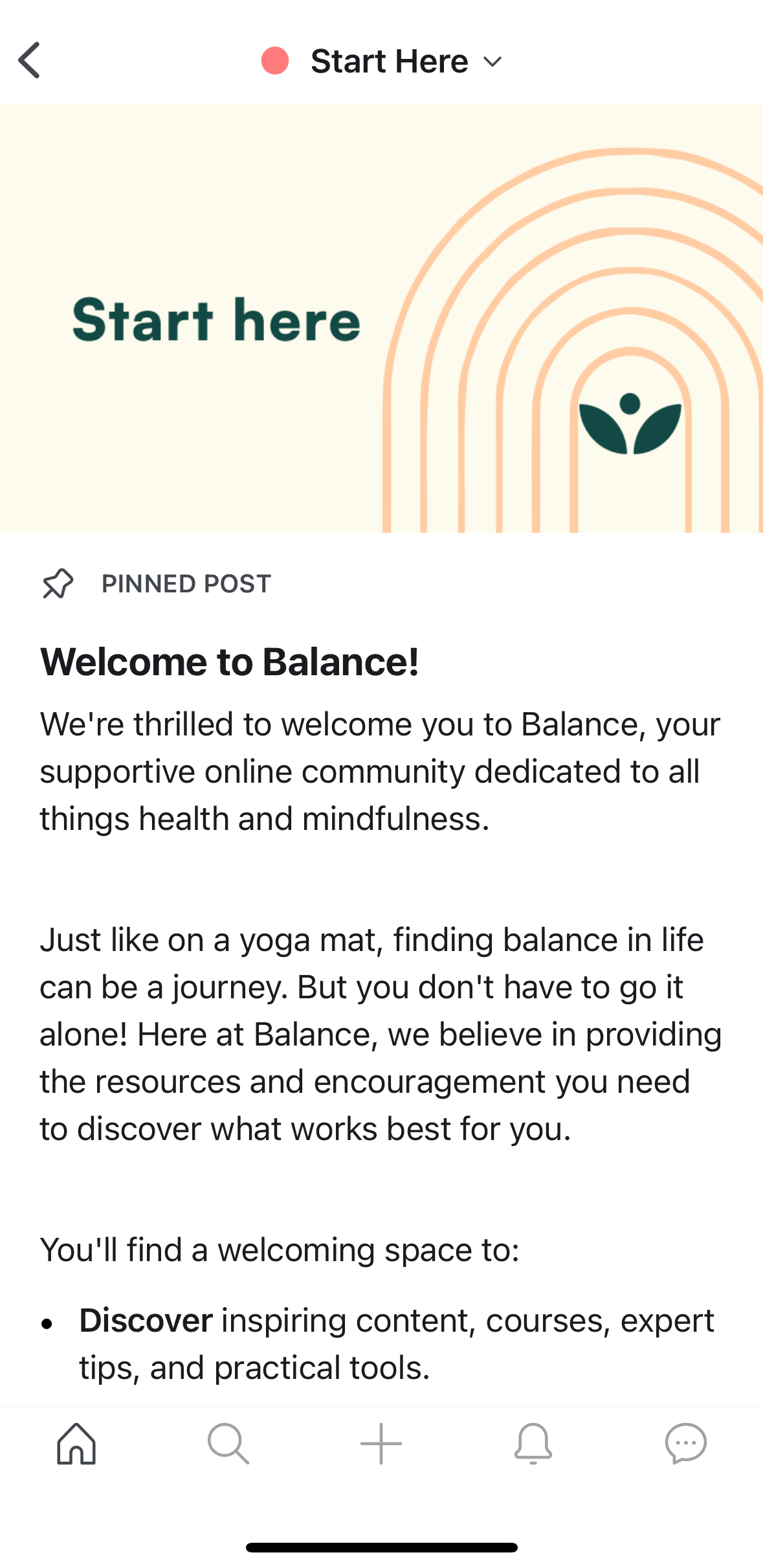
Mobile lock screen image
For banner or call-to-action background images in the mobile lock screen, we recommend using 1840 × 460 px.
Courses
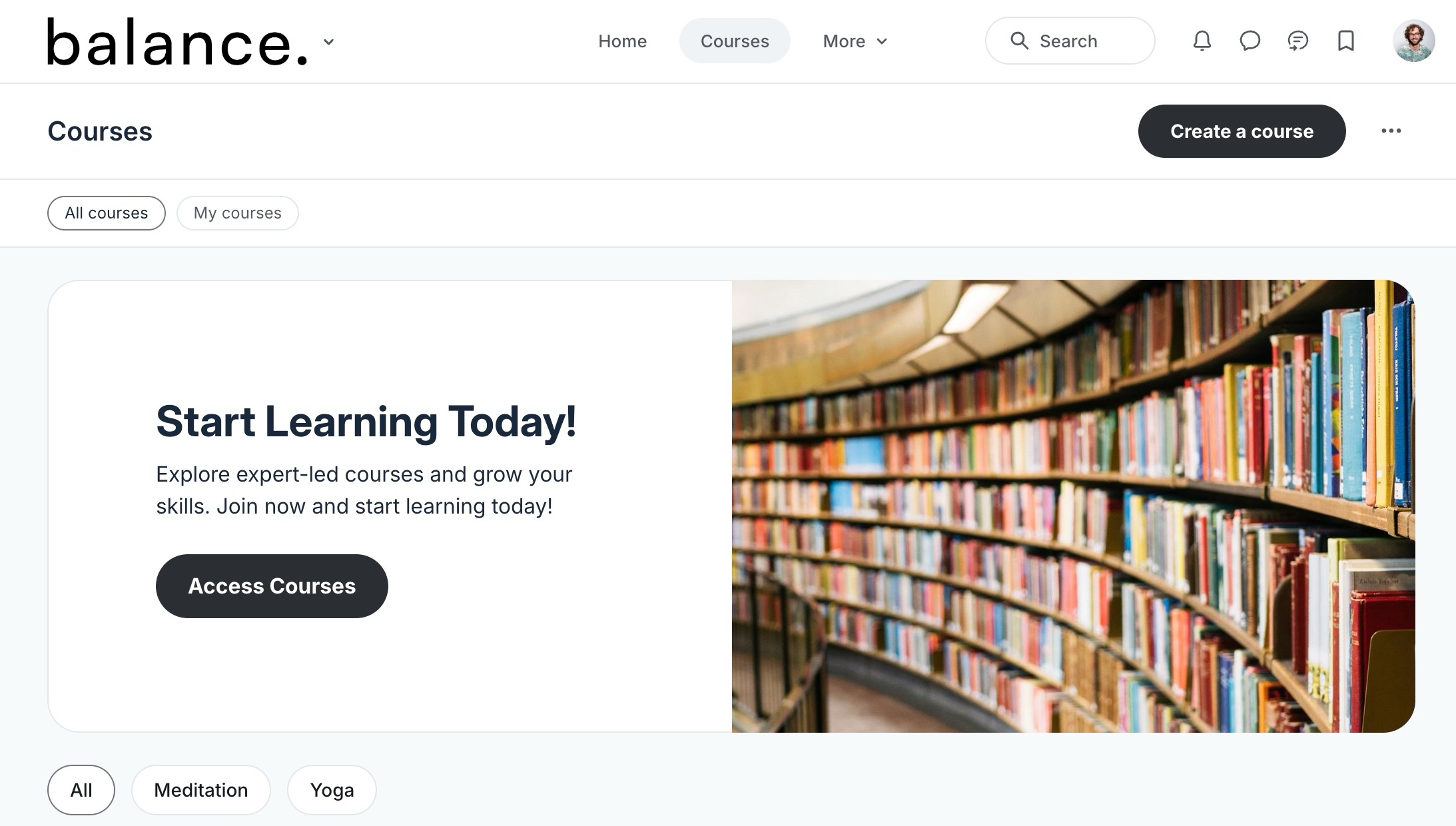
Course directory banner
The course directory banner appears at the top of the directory. We recommend an image size of 1279×680 px.
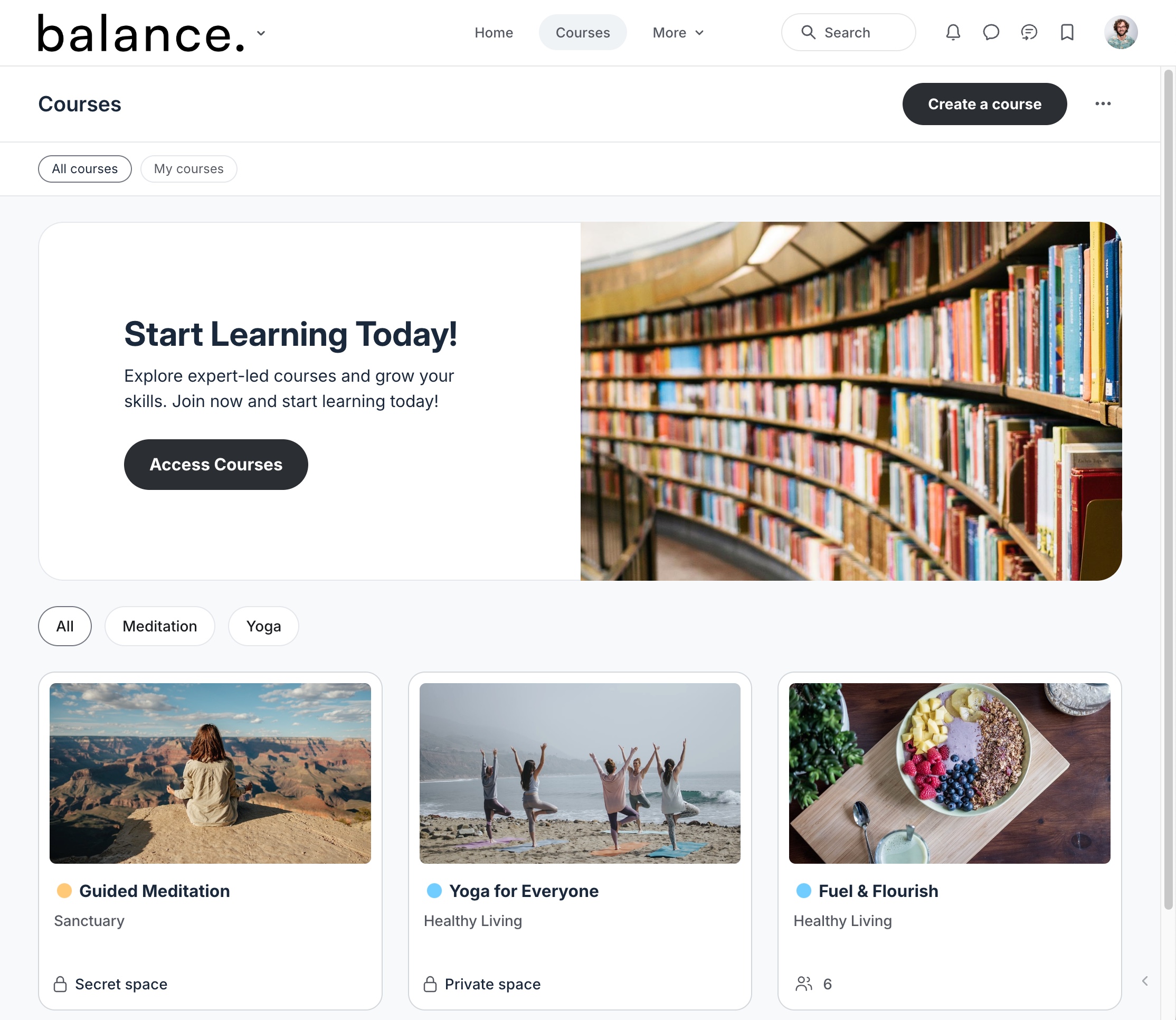
Course space mobile thumbnail
The course space mobile thumbnail image appears on course cards within the course directory. We recommend an image size of 800x450 px with a 16:9 aspect ratio.
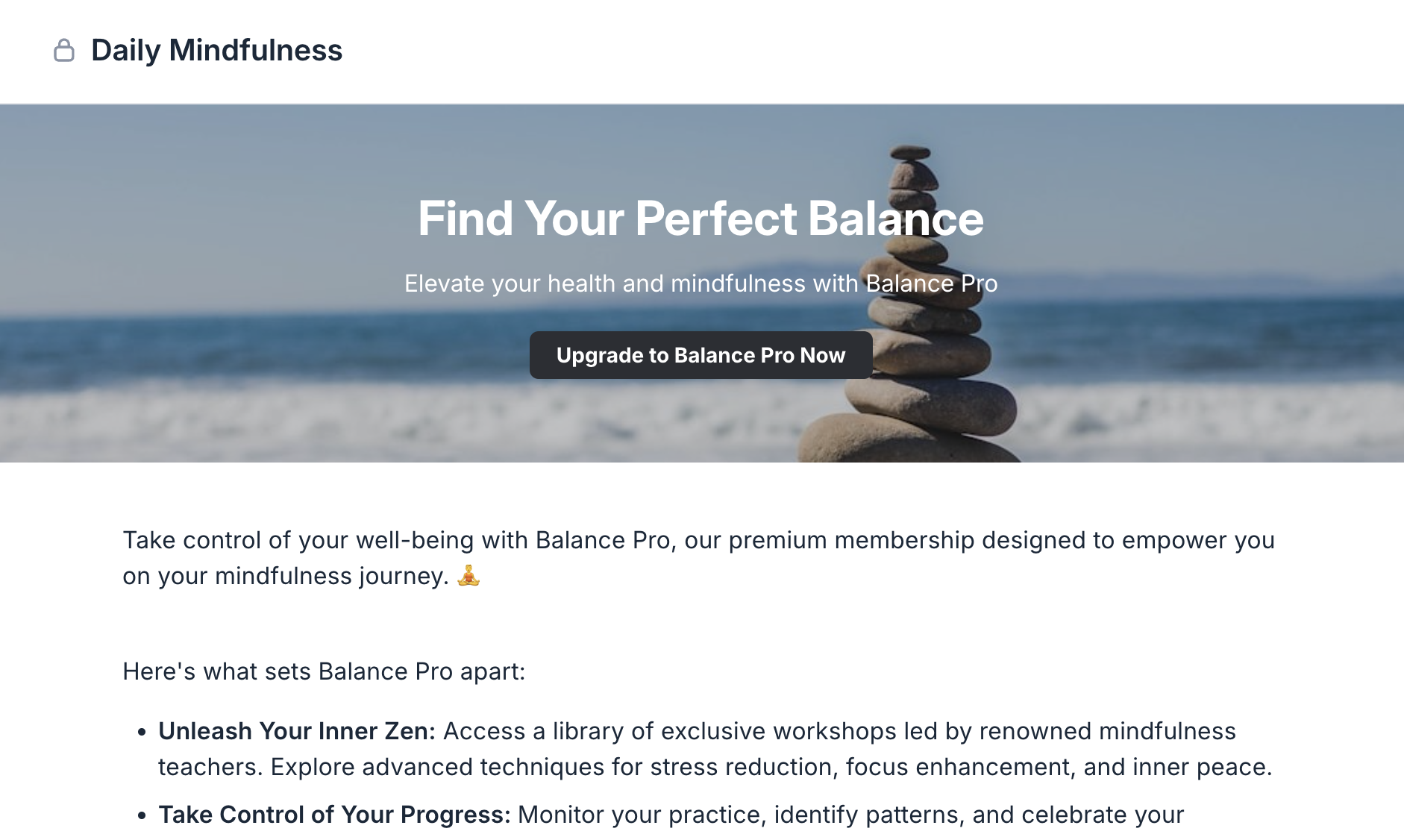
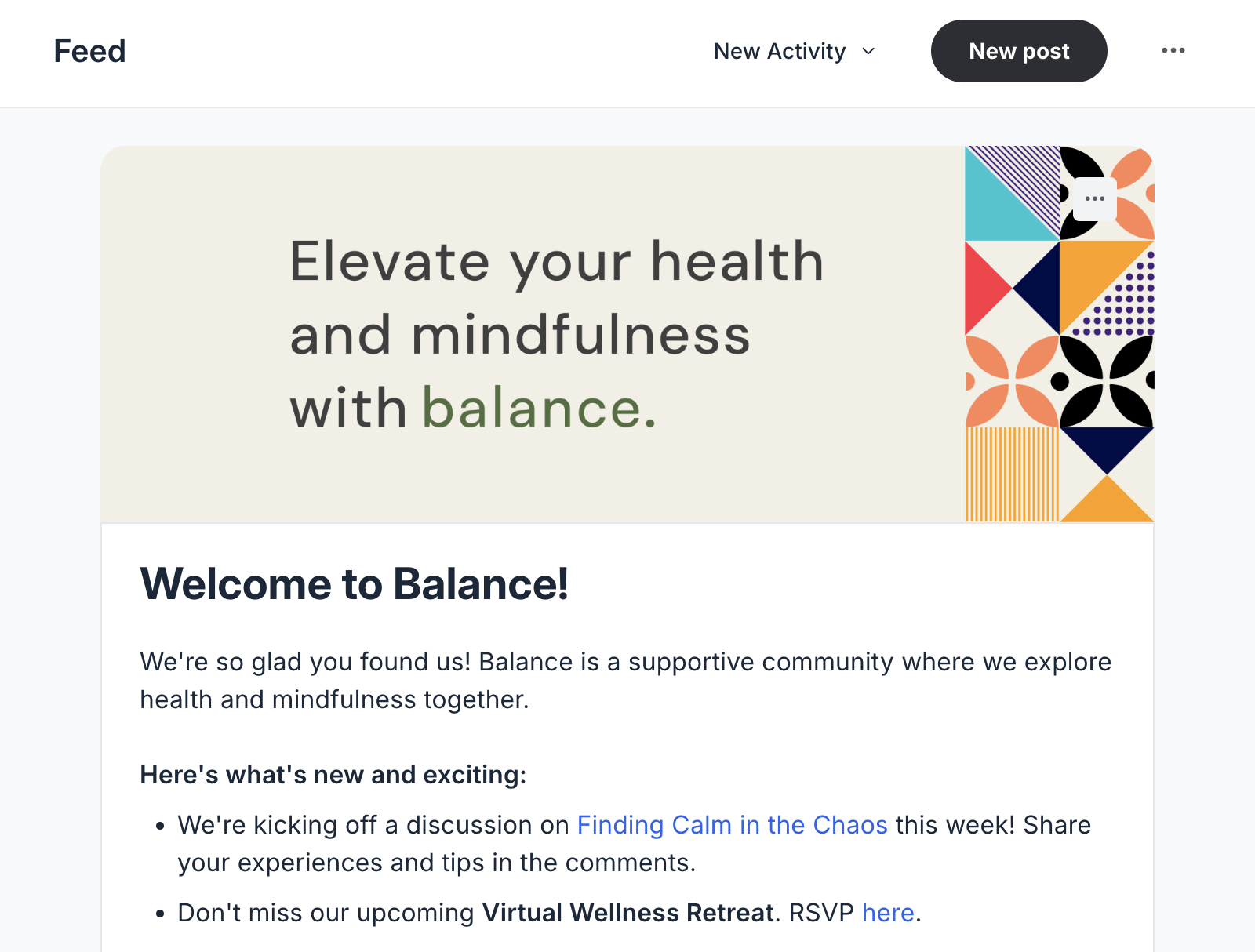
Welcome banner for feed and event space
The welcome banner image greets members when they enter Feed and event spaces. We recommend an image dimension of 1680x600 px.
Posts and events
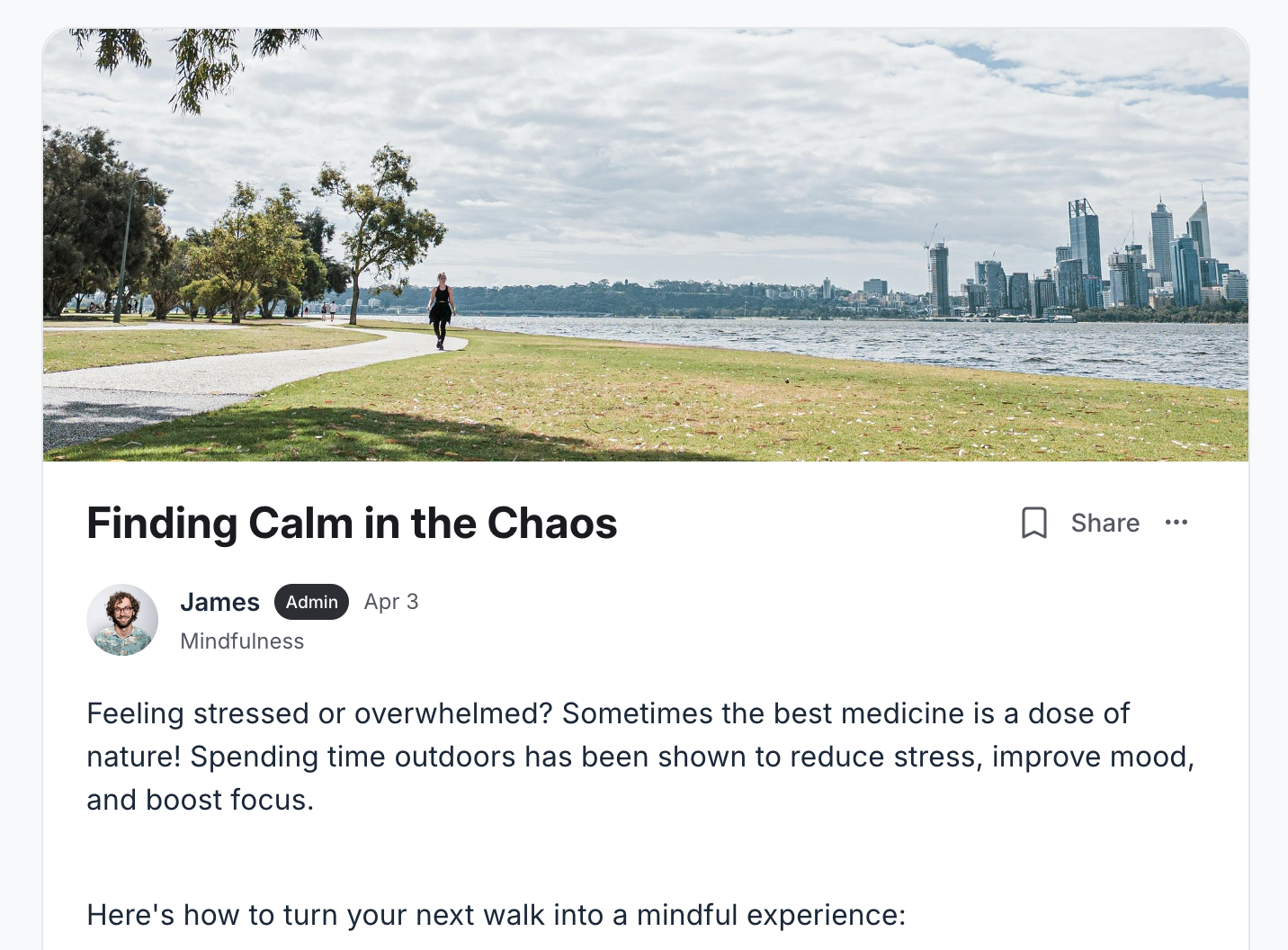
Post cover image
For the cover images on posts, the recommended dimensions are 840x300 px.
For pinned posts, especially in spaces without a right sidebar, use a larger image for the best display quality. We recommend an image size with a 14:5 aspect ratio, such as 1022x365 px, 1120×400 px, or 1260×450 px.
Card view thumbnail for posts
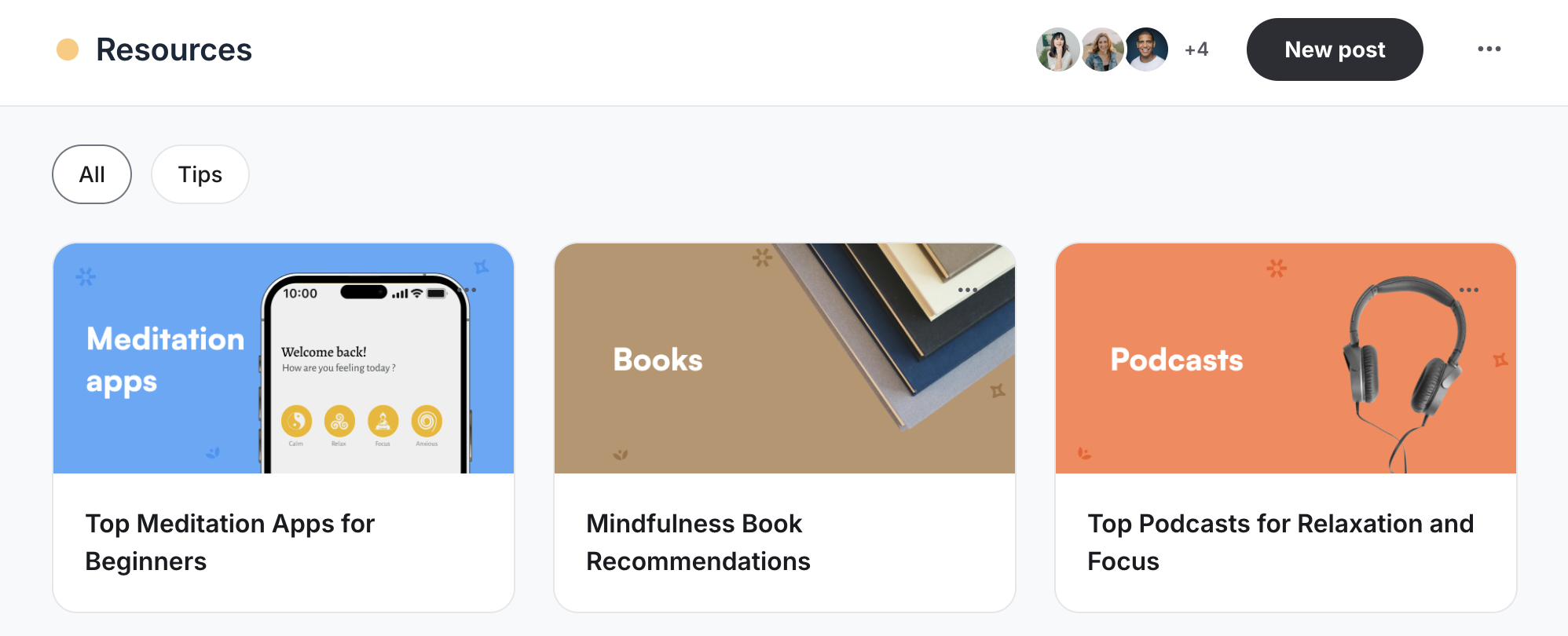
When creating a post in a space set to a card layout, you have the option to add a dedicated card view thumbnail image. This optimizes the appearance on both the desktop and the Circle mobile apps. We recommend a thumbnail size of 600x300 px.
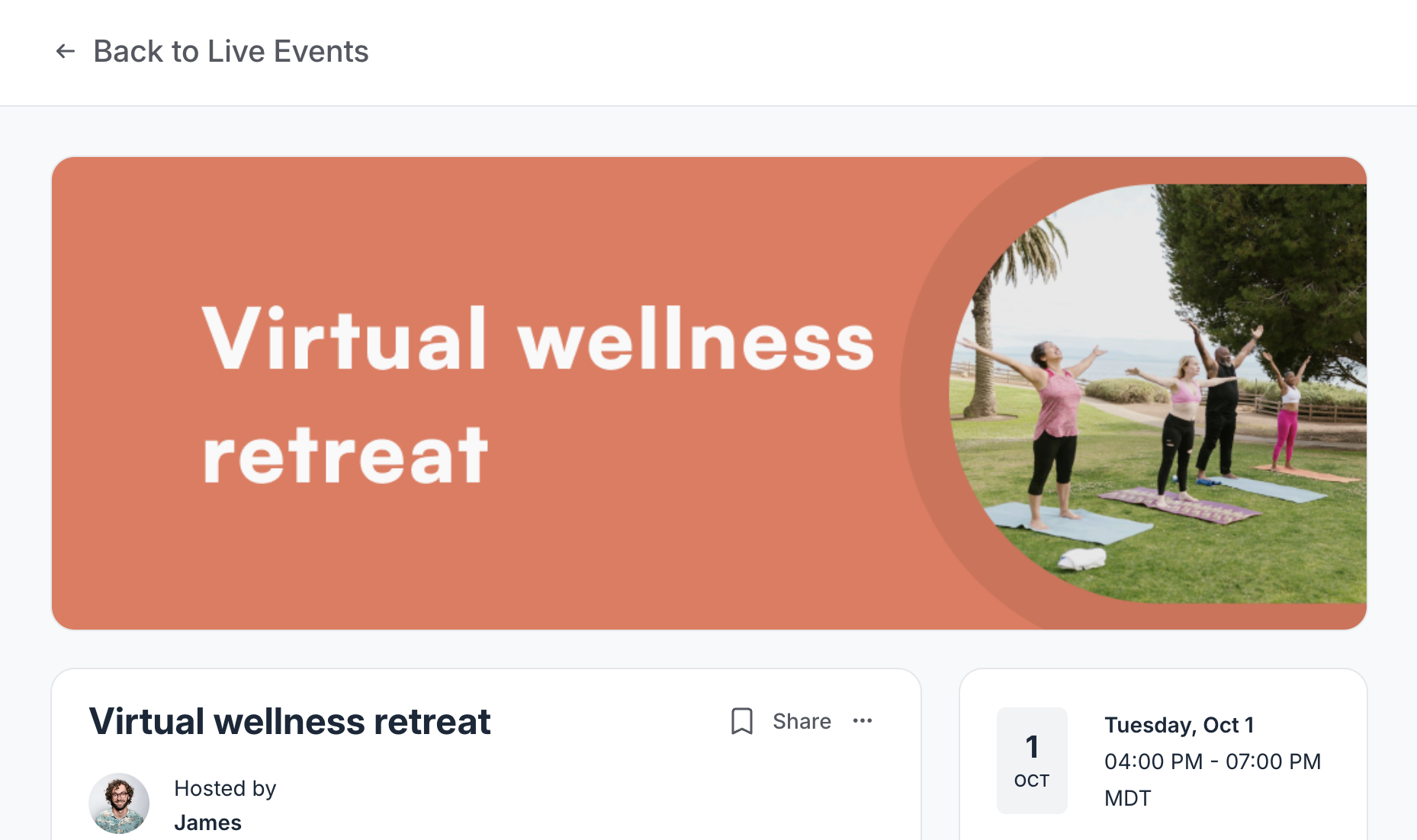
Event cover image
For event cover images, the recommended dimensions are 1024x366 px.