Un-flag a member
Last updated: October, 2026
If a member’s activity was restricted (flagged), you can reverse the action at any time by toggling off any of the moderation controls from their account.
Here are a few important things to know:
Only admins can remove restrictions from a member.
After restrictions are removed, a member's activity can still be flagged in the future based on reports and your moderation settings.
Admins can re-apply any of the three restrictions at any time from the edit account page.
Restore a member's activity (un-flag a member)
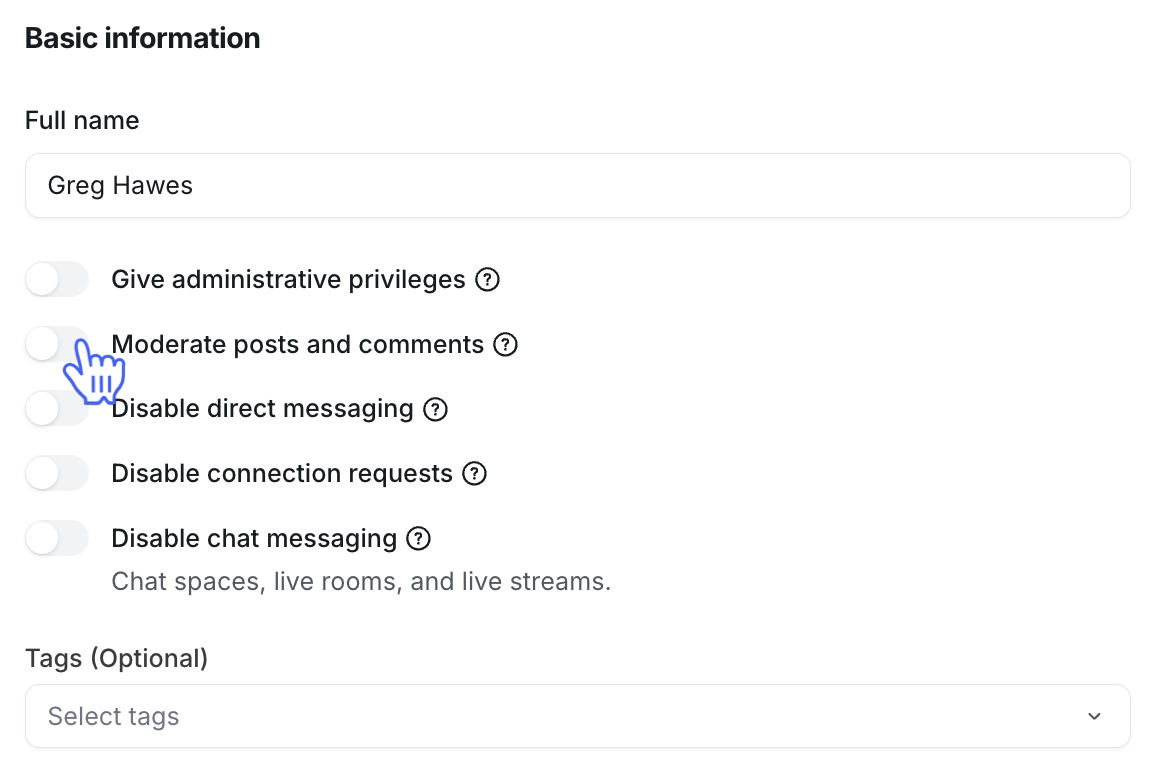
To remove restrictions from a member, turn off the respective toggle in the member edit modal.
Click Audience in the left sidebar, then select Audience.
Hover over the member's name, click More actions (three dots) next to the name, and select Edit.
-
On the Info tab, turn off the toggles for the restrictions you want to remove.
Click Save.