Manage tax collection settings for paywalls
Last updated: August, 2026
Change the tax pricing method
To change the tax pricing method for paywall purchases:
Click the community name or logo (or the dropdown icon next to it) in the top-left corner and select Settings.
Scroll down to the Payments section and select Taxes.
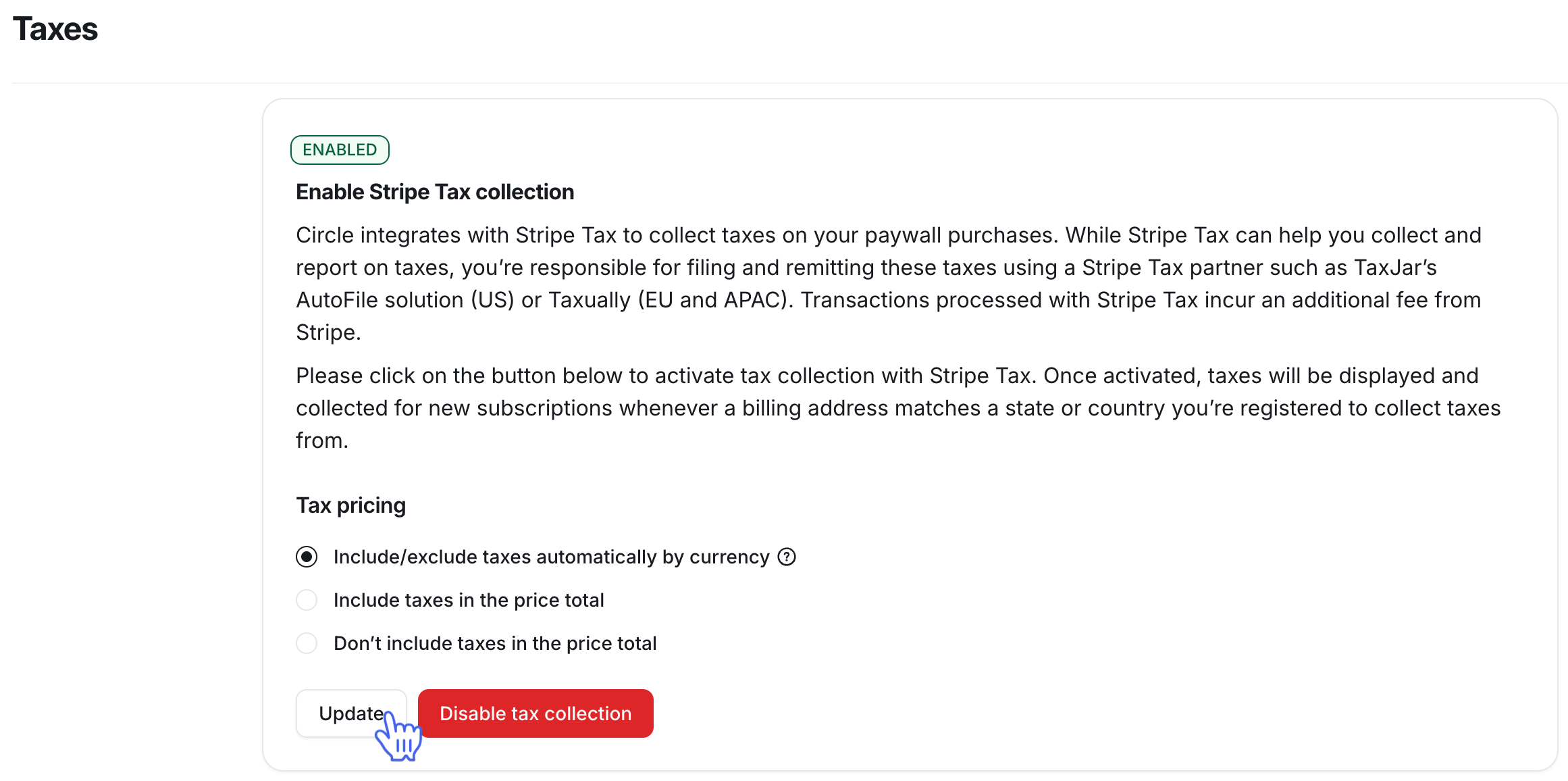
Choose your preferred tax pricing method and click Update.
Disable tax collection
Click the community name or logo (or the dropdown icon next to it) in the top-left corner and select Settings
Scroll down to the Payments section and select Taxes.
Click Disable tax collection.
Once disabled, the tax won’t be collected on the invoices going forward. To enable the tax collection again, navigate back to the Taxes tab and click Enable tax collection.