Inform members about your branded apps
Last updated: November 04, 2024
Once your branded app is available on the Google Play Store and Apple App Store, you can launch it and encourage your members to download it. There are several ways to increase the adoption of your branded mobile app.
ℹ️ Note: By default, your community can be accessed via your branded mobile app and the Circle app. If you want your community to be accessible only via the branded mobile app, see Disabling community access on the Circle mobile apps.
Enable the app download banner
The app download banner will prompt anyone who accesses your community via mobile web browsers (e.g., Safari) to download the app. When enabled, the app download banner will also appear at the bottom of outbound notifications and invitation emails.
To enable the app download banner:
Click the community name or logo (or the dropdown icon next to it) in the top-left corner and select Settings.
Scroll down to the Community section and select Mobile app.
-
Turn on the Show app download banner on mobile browsers and outbound emails toggle.

Share the good news via a post or email
You can make an announcement about the app in your community via a post. Here is an example shared in our community! You can also bulk email your members using your preferred email communication tool.
Add links to the left navigation sidebar
Use the Links section in the left sidebar of your community to add links to the Android and iOS apps. These links will be visible to all members in their community account.
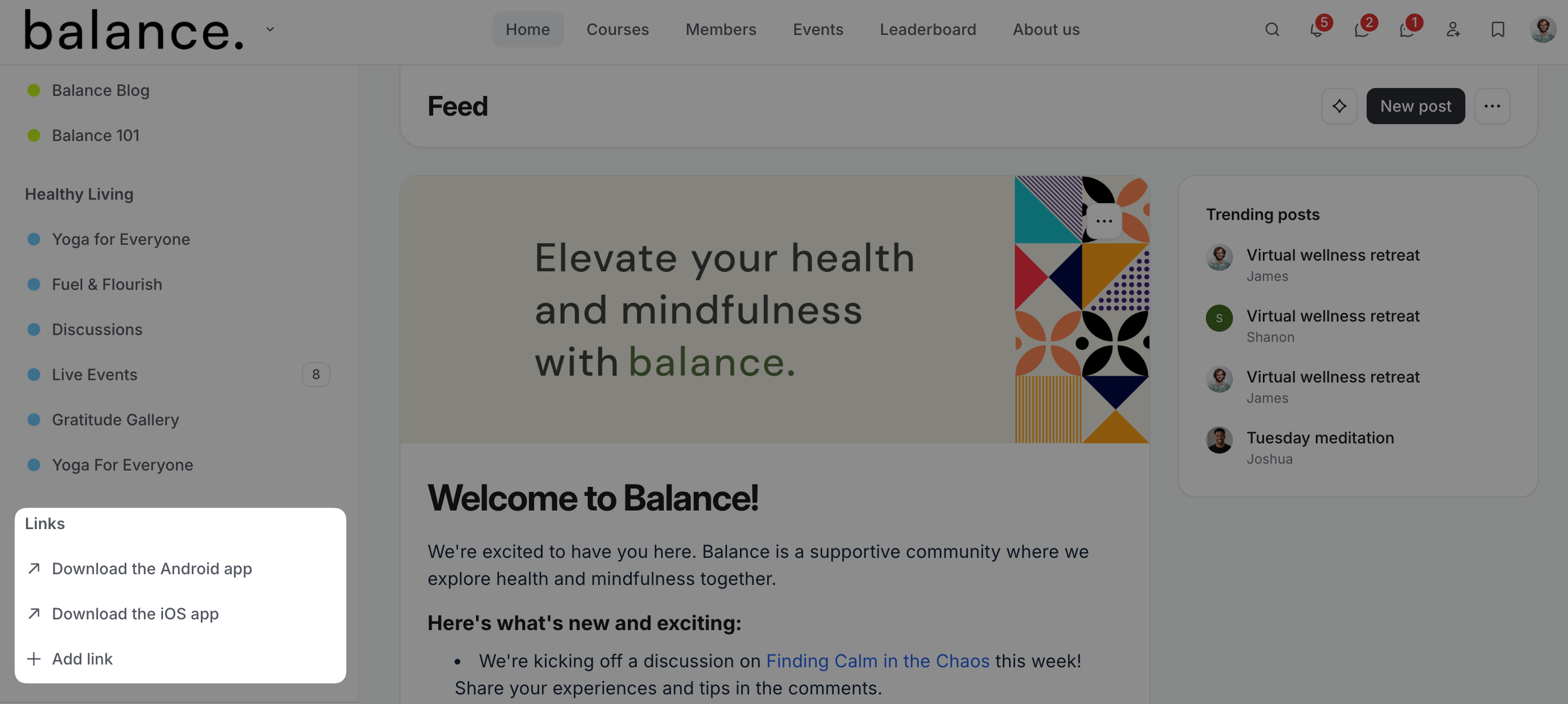
To add links, follow these steps:
Click the community name or logo (or the dropdown icon next to it) in the top-left corner and select Back to community.
Scroll to the Links section in the left sidebar and click Add link.
Add link title and URL. Remember to include https:// at the beginning of the URL if not already present.
Click Create link.
Bulk message your members using workflows
You can set up a workflow in your community to bulk-send direct messages to all your members, notifying them about the new branded app and sharing download links!
📚 To learn more about workflows, see the Workflows section in our Help Center.
Host a launch event
You can host a launch event in your community to announce your branded apps. To learn more about events and live, see the following sections in our Help Center: