Trouble logging in?
Last updated: October, 2026
Whether you are a community member or hosting a community on our platform, we understand it's hard to keep track of all your login credentials. Here are some options to help you get connected!
Generic login troubleshooting
Reset password
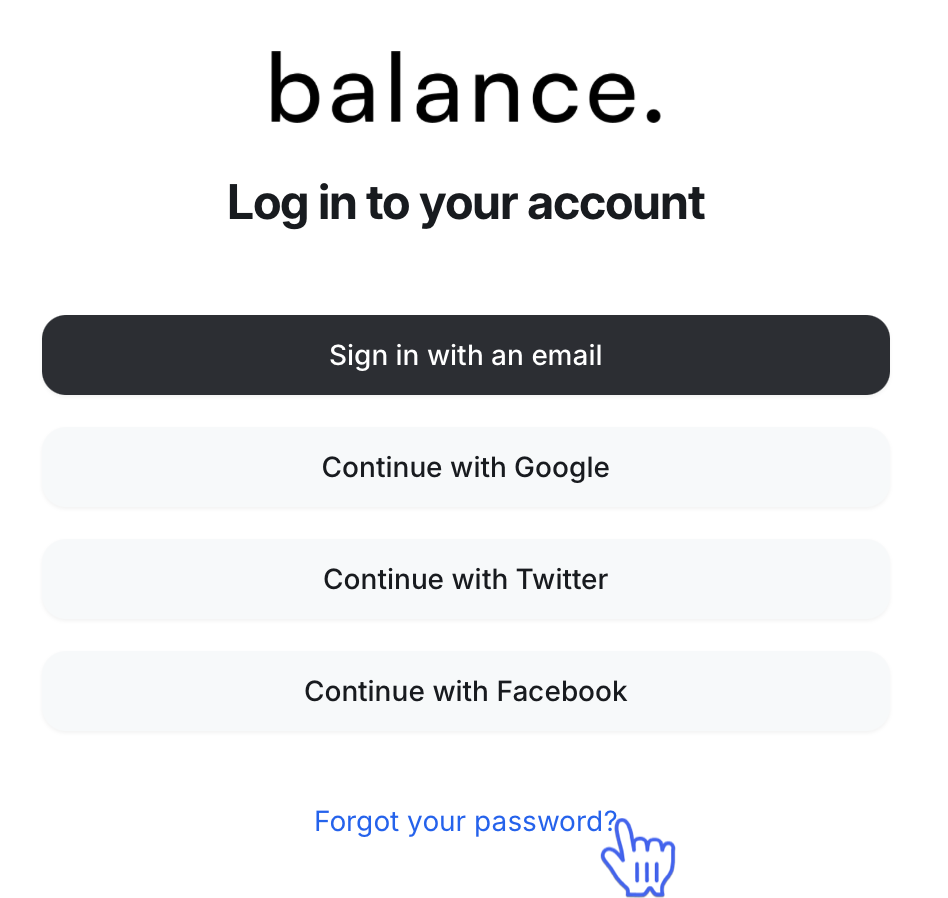
If you need to reset your password, you can do so directly from the login page by clicking "Forgot your password?" and entering the email you used to sign up for your community subscription. A password reset link will then be sent to your email inbox.
ℹ️ Note: If you have multiple community accounts connected with the same email, this change will affect all other community accounts under the same email.
To reset your password directly from here, click this link.
If you don't see the email in your inbox, please check your junk or spam folders. It may take some time to receive the email.
💡 Tip: If you still don't see the password reset email, try resetting your password using a different email.
📚 If you do not receive the password reset email, please reference this guide to troubleshoot.
Checking for auto-filled credentials
Our devices or browsers can sometimes store login credentials and auto-fill these credentials when you attempt to log in to an app or website. These saved credentials can sometimes be out-of-date and auto-fill the wrong information. Please ensure that you are typing in your email and password to avoid outdated saved credentials preventing login.
Logging in to the Circle app
When logging in to the Circle mobile apps, a one-time login code will be sent to your account email. Enter the code on the verification screen.
ℹ️ Note: It may take up to 10 minutes to receive the email. If you don't see the email in your inbox, check your junk or spam folders!
📚 If you still have not received the Verification Code email, please reference this article to troubleshoot.
Private community message
To access private communities hosted on our platform, you must either receive an invitation directly from a community admin or purchase a community membership.
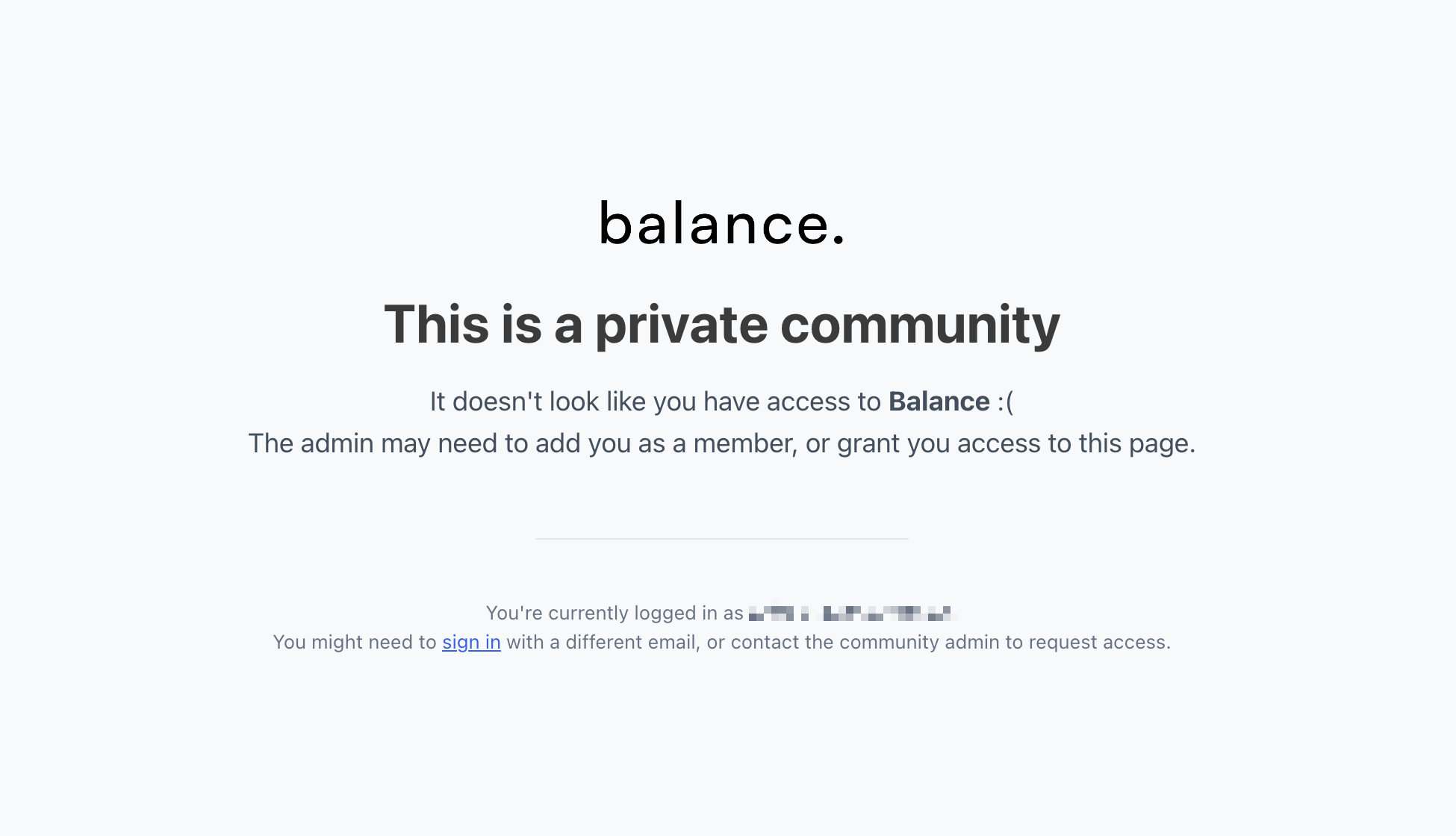
If you see a "This is a private community" message, you are trying to access the community with an email that has not been invited to the community or has not purchased a membership. Here's what you can do:
Check your email inbox to see if you have received an invitation from the community. Don't forget to check your spam, just in case!
If you have already received or accepted an invitation, or purchased a membership to a community, ensure you are logged in with the email you originally used to sign up or purchase. You can check which email you are currently signed in to underneath the "private community" message and sign in with a different email if necessary.
Get in touch directly with a community admin for assistance! A community admin can help you secure either an invitation or a membership checkout link.
Member-specific login troubleshooting
Communities using single sign-on (SSO)
Some communities have chosen to customize their onboarding, so when you attempt to log in, you are redirected to a custom sign-in page that is not hosted by Circle.
If there is an issue with this connection's configuration, you may receive an "Oops! There was an error" message when you attempt to log in.
We recommend contacting a community admin directly and notifying them you cannot log into their community using your credentials.
Pending invite
If you attempt to access a private community without first accepting an invitation, you will see a message prompting you to accept a pending invitation. In this case, we recommend you locate the invitation email in your inbox and start there.
ℹ️ Note: If you cannot locate the invitation in your email inbox, we recommend checking your junk/spam folders. If you still cannot locate the invitation email, we recommend you ask an admin to resend the invitation.
Once you've located the invitation email, you can accept it by clicking the Call-To-Action (CTA) link.