Troubleshooting iOS and Android verification code email delivery issues
Last updated: April 16, 2024
This article will walk you through steps you can recommend to your members if they aren’t receiving verification code emails to access their accounts on Circle’s iOS and Android apps.
Potential causes
Depending on the member’s community membership status (Active or Invited) or how the member's email service provider handles or filters these emails before it get delivered to the mailbox, there may be a number of causes for email delivery issues.
Invited status
If your member hasn’t accepted the community invitation and set up their profile yet, they need to do it on a web or mobile browser to activate their profile first.
Delivery to spam or non-primary mailbox
The verification code email may get filtered and sent to the member's spam mailbox rather than their primary mailbox, making it difficult to find in their email account. In most cases, this is the common reason behind the member not being able to find the email in their primary mailbox.
Delayed delivery
Verification code emails usually get delivered to members almost immediately. However, depending on the member’s email service provider, there could be a rare delay in receiving the email in the mailbox.
Blocks
Issues with domain or storage limits in members’ email provider accounts could also cause these emails to bounce.
How to resolve email delivery issues?
Activate membership account
Advise members to sign in to your community on the web or mobile browser to ensure their profile is active. If they are a new member of your community who hasn’t accepted the invitation yet, please have them accept the invitation first.
Once they have set up their profile and successfully logged into the community on the browser, they can try accessing their account on the mobile app.
Search for email
We recommend that members first search all mailboxes in their email account for verification code email using the keywords Temporary login code, no-reply@auth.circle.so, no-reply@circle.so, or no-reply@notification.circle.so, as this can help locate the email if it was delivered in a non-primary mailbox in most cases.
It is also advised to search for the email in the spam mailbox. If a member finds the email in the spam folder, they can mark it as not spam to ensure delivery of future emails in the primary mailbox.
Double-check email
Advise your members to ensure they are using the correct email registered with their community account when signing in to the Circle app.
Check for blocks
Ask your members to check for any blocks that might be preventing email delivery, such as the storage limit of their mailboxes or an issue with domain setup in their email service provider.
💡 Tip: You can contact our support team for further investigation to see if there are any factors preventing email delivery.
Add as a contact
If a member cannot find the verification code email in their mailbox, advise them to:
Add no-reply@auth.circle.so, no-reply@circle.so, and no-reply@notification.circle.so as a contact in their email service provider.
Try to sign in again using the mobile app and check your email account for verification code email.
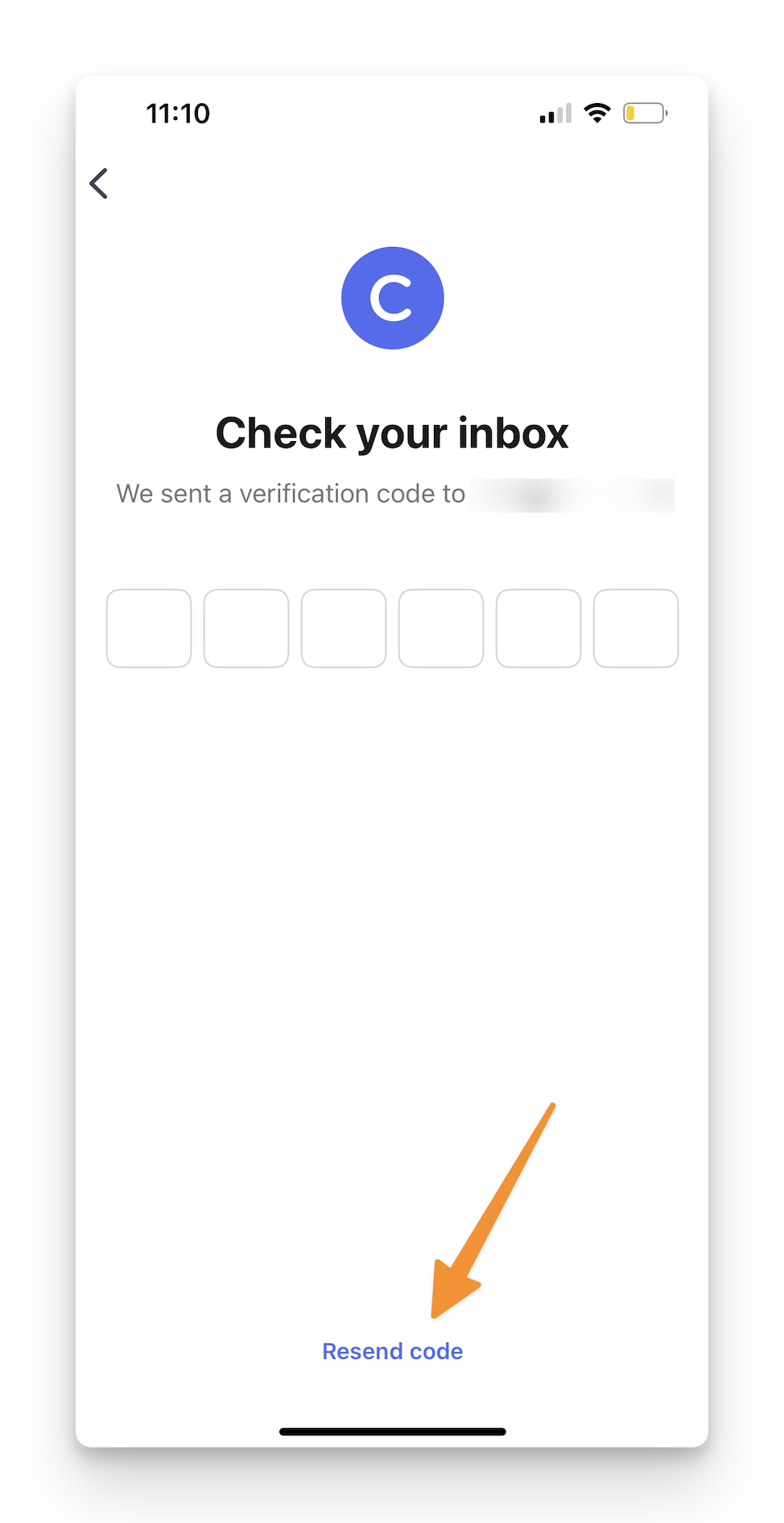
If the code doesn't arrive within a few minutes, click the Resend code option at the bottom of the sign in page in the app to request another verification code.
Add filter
Members can also try adding a filter to receive emails from no-reply@auth.circle.so, no-reply@circle.so, and no-reply@notification.circle.so in a specific folder. Most of the popular email service providers offer this option, which can help in case a member’s email service provider is rejecting our verification code emails.