Manage default notification settings for new community members
Last updated: October, 2026
As a community admin, you can manage the default notification settings for all new members joining your community. This allows you to ensure a consistent and engaging experience for members from the start.
Currently, you can configure the email and in-app type notifications for the new activity category. This category includes notifications for:
Comments on posts
Likes on posts and comments
Weekly digests
Direct messages
Circle live
and more
💡 Tip: You can also manage the default notification preferences for specific spaces for new and existing space members in your community. To learn more, see our guide here.
To manage the default notification settings:
Click the community name or logo (or the dropdown icon next to it) in the top-left corner and select Settings.
Scroll down to the Website section and select General.
Scroll to the Default notifications section.
-
Next to Notify about new community activity, toggle Email or In-app type notifications on or off.
Click Save changes.
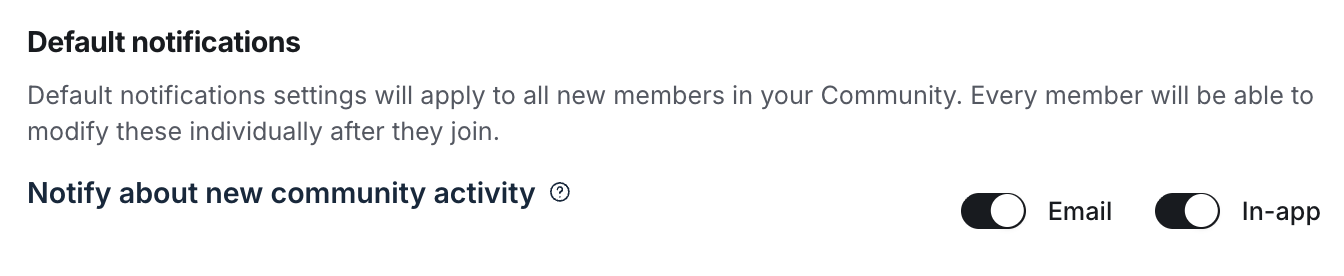
Whenever you modify the default notification settings, the changes will apply to all notification options within the new activity category for new members joining going forward.
It's important to note that after members join the community, they can modify their notification preferences at any time in their account’s notification settings.