Download invoices and payment receipts for your community plan
Last updated: October, 2026
This article will walk you through the steps to download invoices and receipts for your community plan.
Access the Invoices page
To access your invoices page:
Click the community name or logo (or the dropdown icon next to it) in the top-left corner and select Settings.
Under the Subscription section, select Plans.
-
Navigate to the Invoices tab.
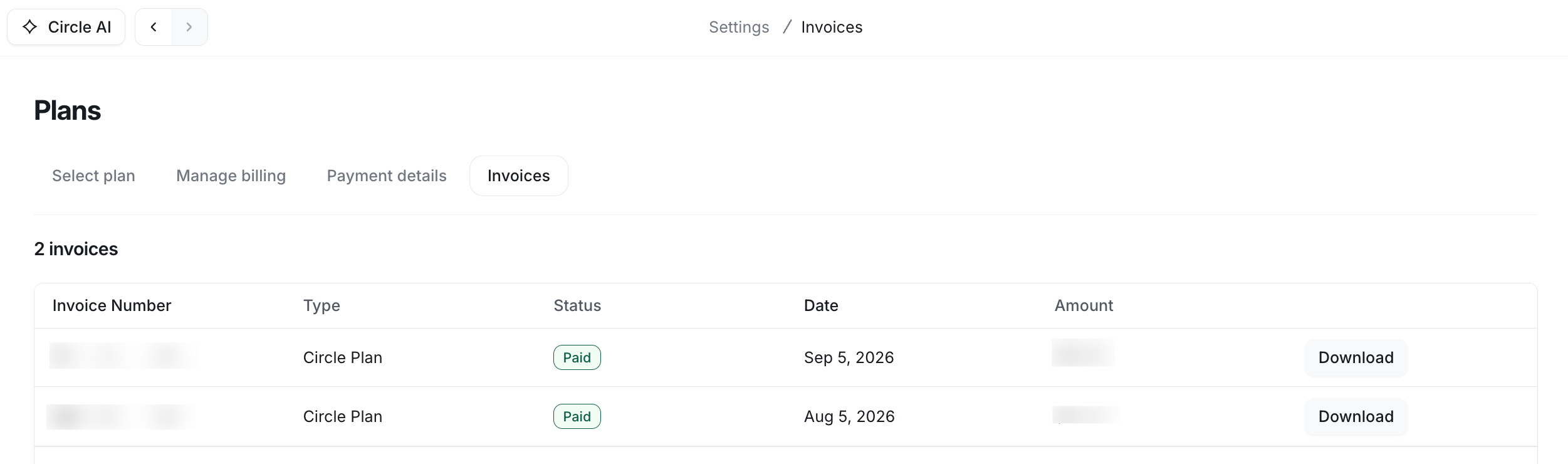
Download invoices and receipts
To download your invoices:
Click the Download button on an invoice to open it.
Select Download invoice or Download receipt to save it to your device.