Integrate Circle with Integrately
Last Updated: March 8, 2021
Integrations with Circle are now possible through Integrately, allowing you to connect with a variety of apps in a few simple steps! Automating workflows can help save time if you use multiple tools to manage your community. To explore all of the possibilities you can click here.
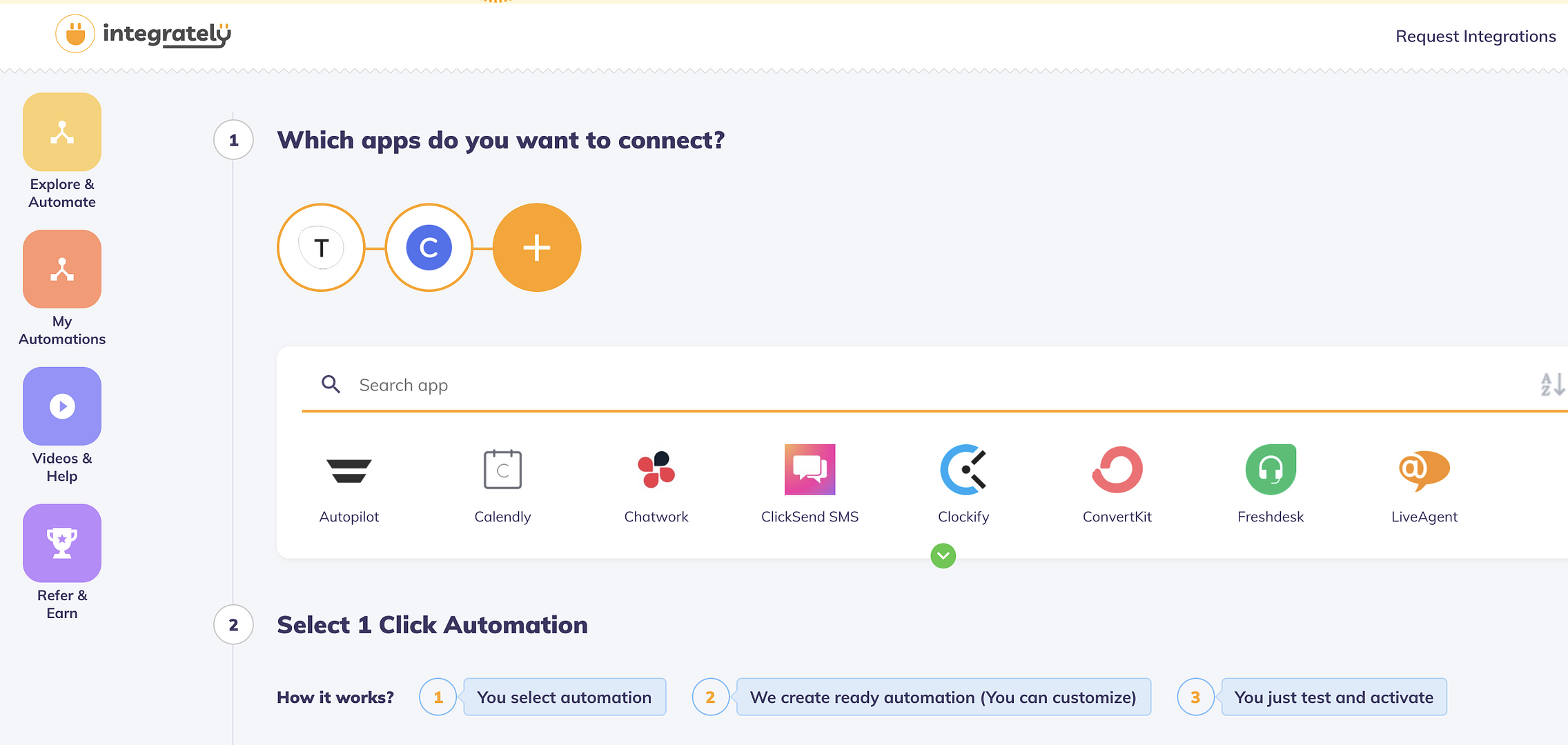
✅ Step 1: Start by selecting the app you wish to connect with Circle. Select just one, or add more for advanced workflows!
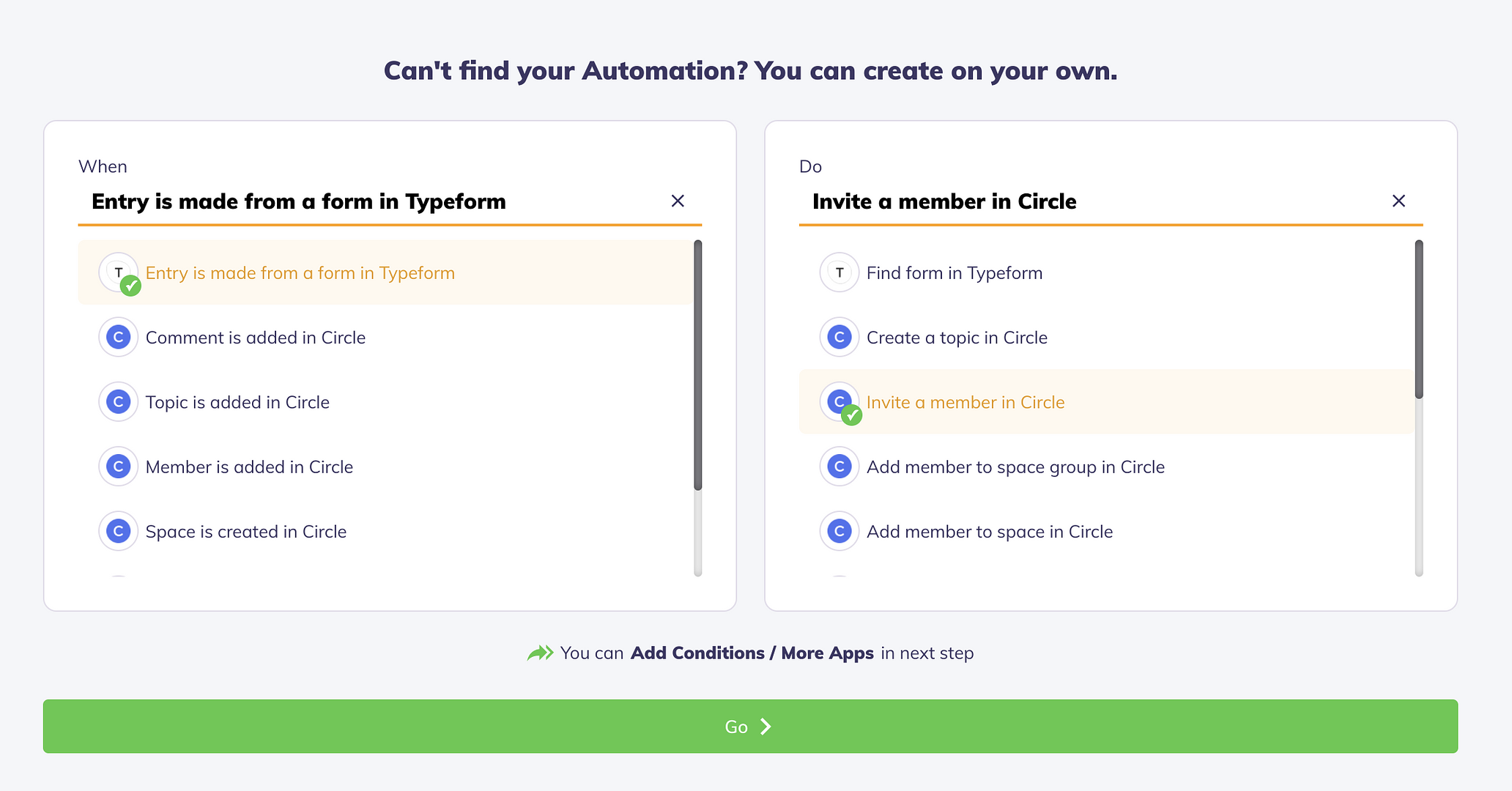
✅ Step 2: Select your automation and click "Go". In the example below we are looking to invite a member in Circle whenever a new entry is made from a form.
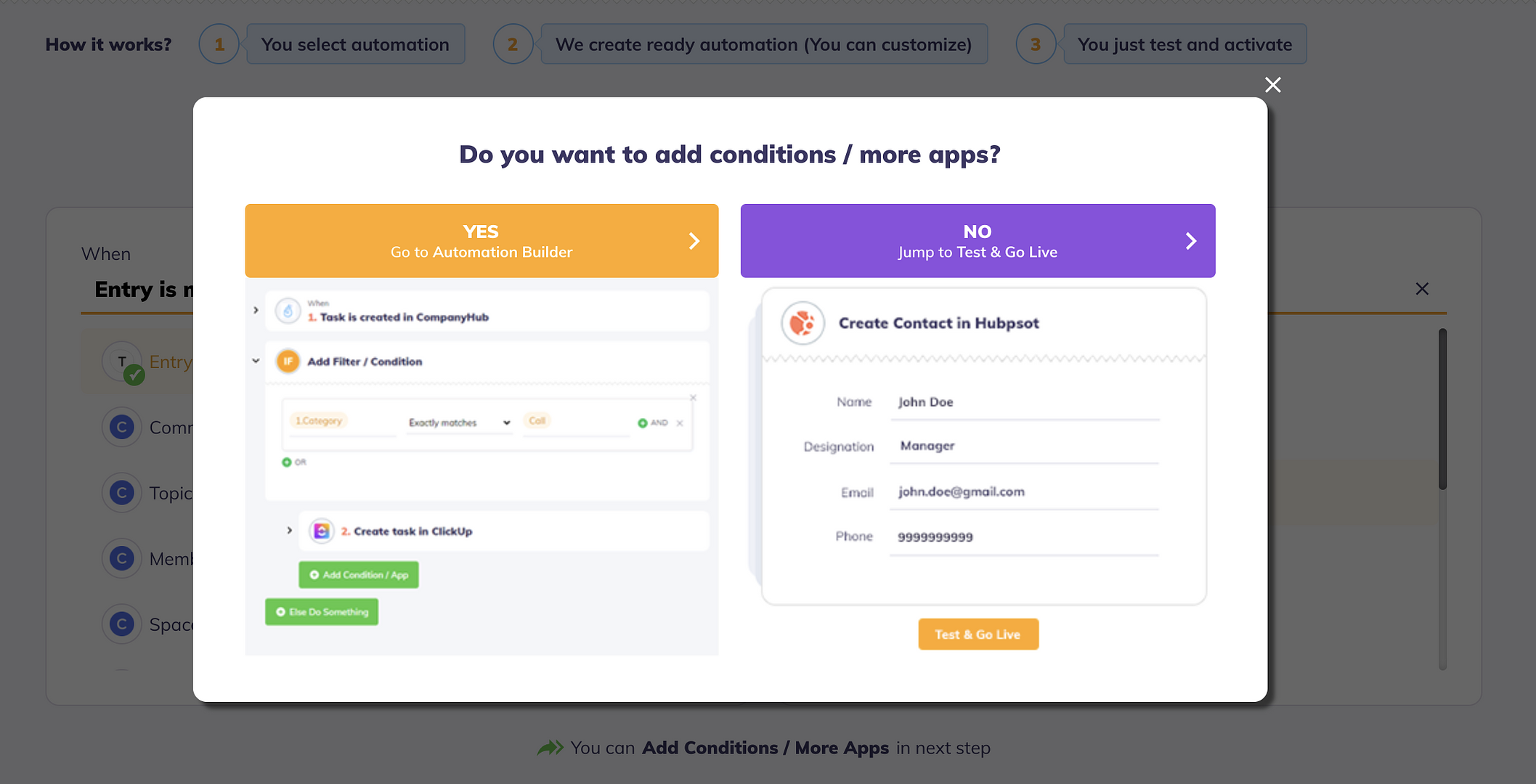
✅ Step 3: Add conditions and other steps within your workflow if needed. If you don't need additional filters, select "No".
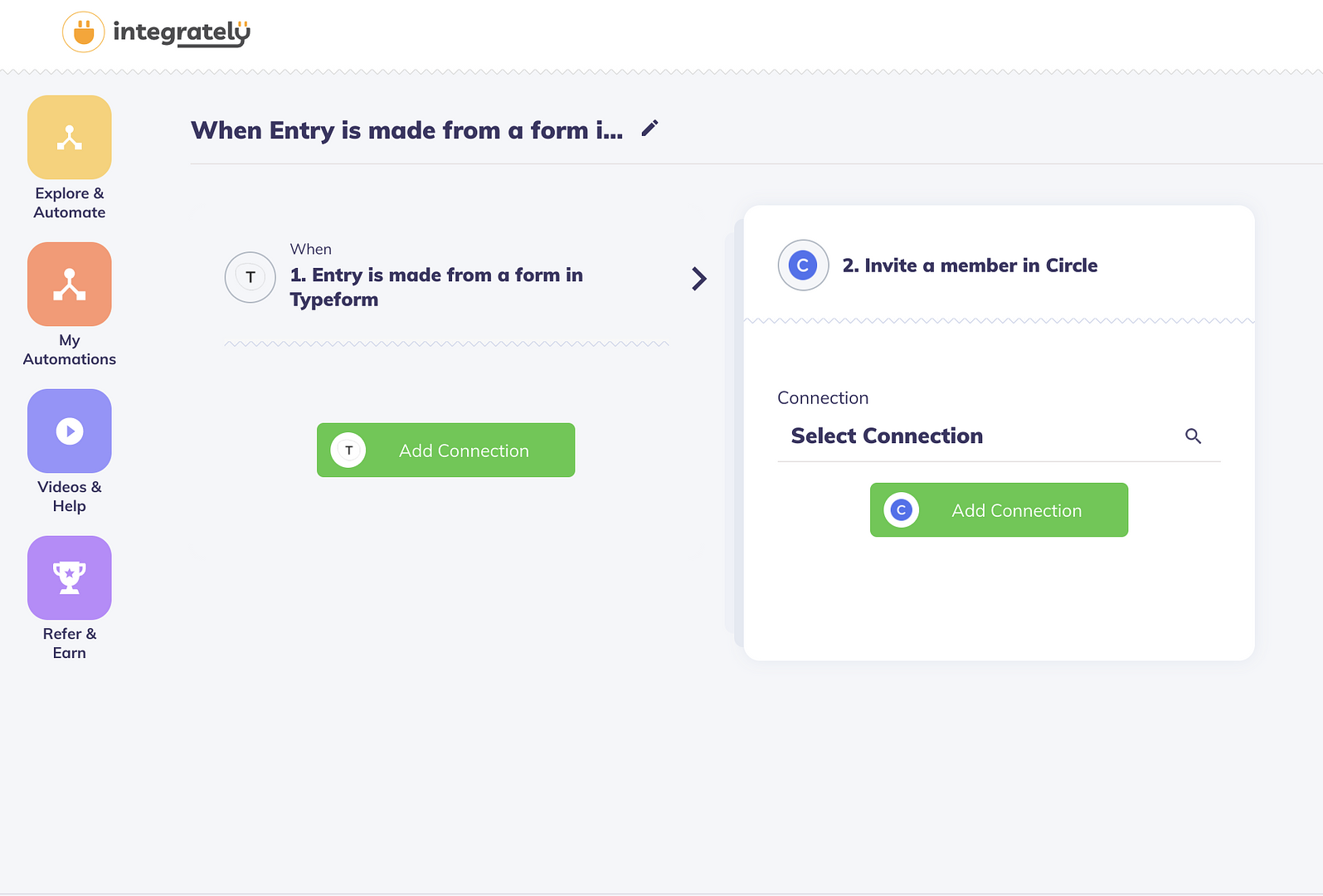
✅ Step 4: Connect both of your apps to Integrately. When connecting Circle, you'll be asked for your API token. Use the Admin v1 token to connect with Integrately.
✅ Step 5: Map the required fields for each app. For this example, you'll be required to select your community name and the appropriate member email address field from Typeform.
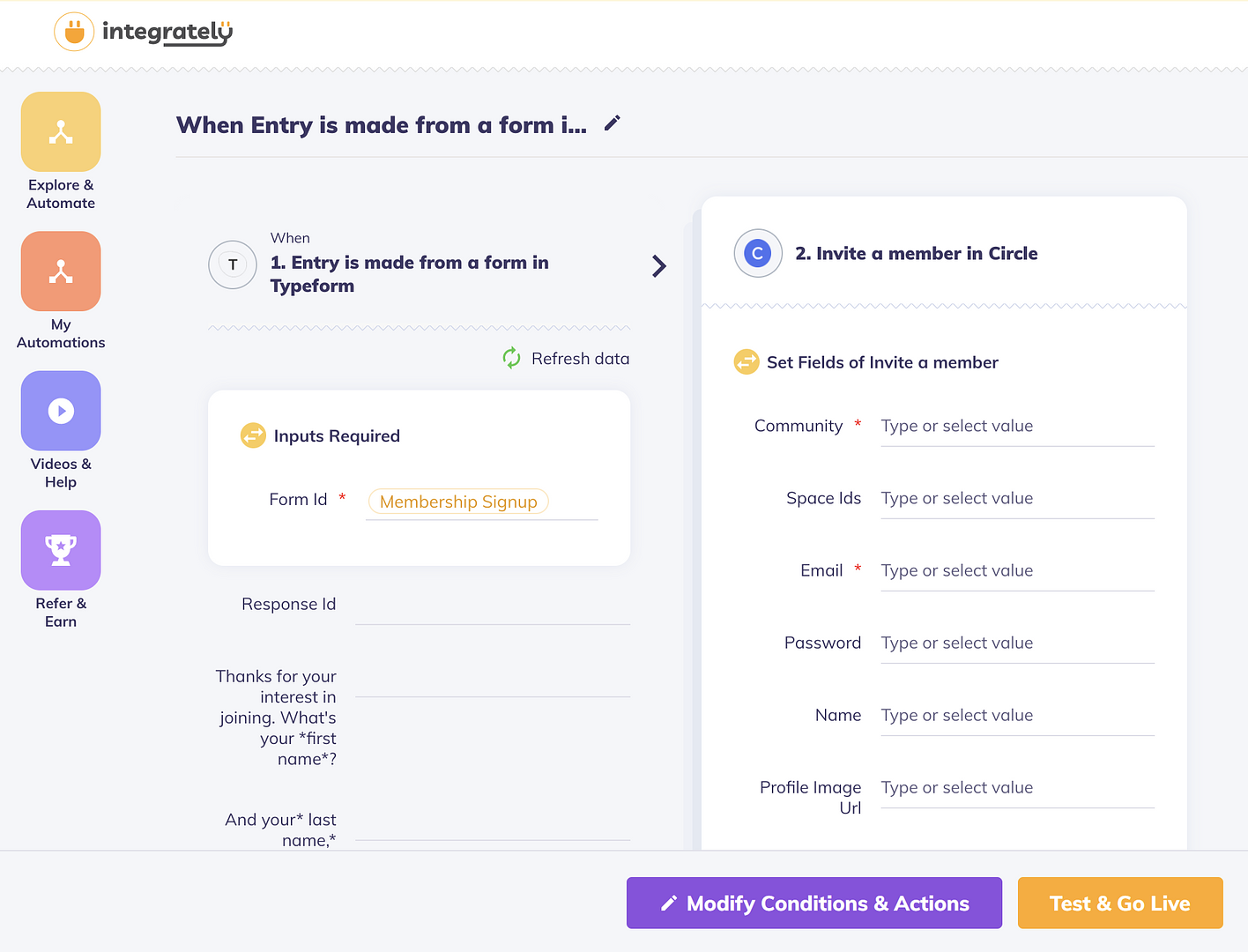
🏁 Step 6: Click "Test & Go Live" at the bottom! Once your integration is live, you can test the automation to ensure everything is working as expected.