Duplicating a workflow
Last updated: September, 2026
The duplicate workflow feature allows you to recreate a similar workflow from any of your existing workflows in the community. You can duplicate both automation and bulk action workflows regardless of their status, even archived workflows.
To duplicate a workflow:
Click Workflows in the left sidebar, then select Workflows.
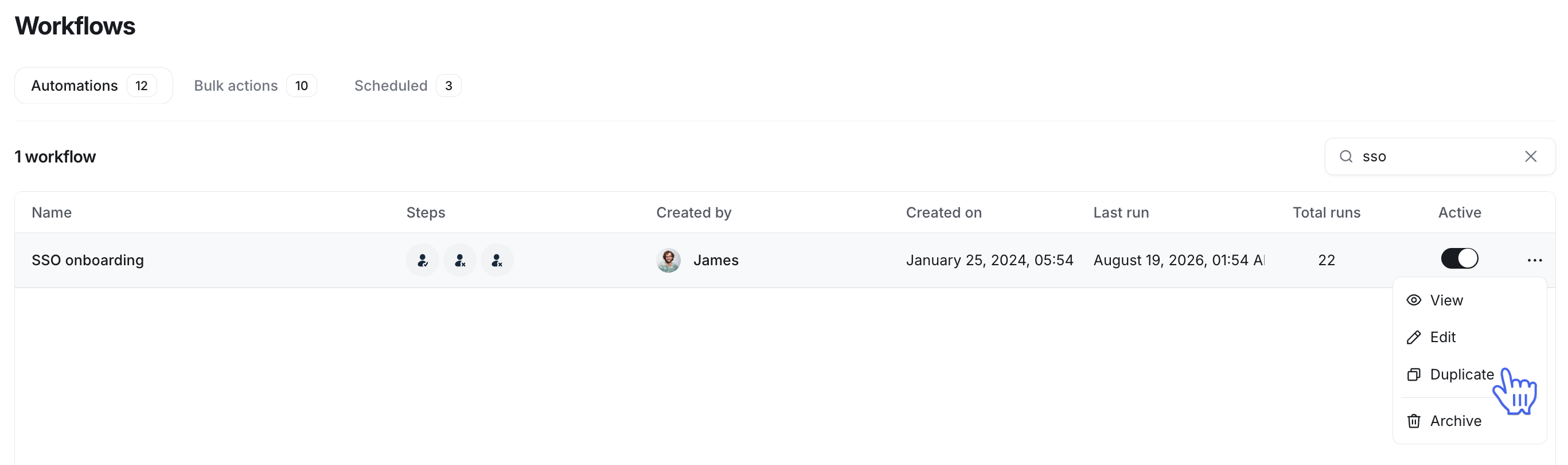
Hover over the workflow you want to duplicate and click More actions (three dots).
Select Duplicate from the menu.
A new workflow will be created with the same entry rule, action configuration, and name in the draft status on a relevant workflow type tab. You can modify the workflow and activate it when you are ready.