Change language for your account
Last updated: October, 2026
You can change the language used in your community interface. This updates the system text you see when accessing your community account from the desktop app or a browser.
Key things to know about language
Here’s what to know about how language settings work and what changing your language will affect.
Supported languages
The community interface is currently available in the following languages:
English
French
Italian
Portuguese (Brazil)
Portuguese (Portugal)
Spanish
How language change affects your account
Updating your account language only changes the community interface. This includes things like menus, buttons, prompts, and other system text.
User-created content, such as posts, comments, lessons, and attachments, will remain in the language they were originally in.
Where your language preference applies
Your language preference applies to the community interface when accessing that community through the desktop app, web browser, or mobile browser.
If you belong to multiple communities, you will need to set a separate language preference for each one.
How language works on the mobile app
On mobile devices, the community app follows the device’s system language if it’s one of the languages we support.
When you switch your phone’s OS language to a supported language, the app will automatically update to match.
Set default language
-
Open your community in the desktop app or a web/mobile browser.
ℹ️Note: This setting is not available on Circle or branded mobile apps.
Click your profile photo in the top navigation bar, then select Edit profile.
-
Under the Profile section, select the Language dropdown menu and choose the language you prefer from the available options.
Click Save changes.
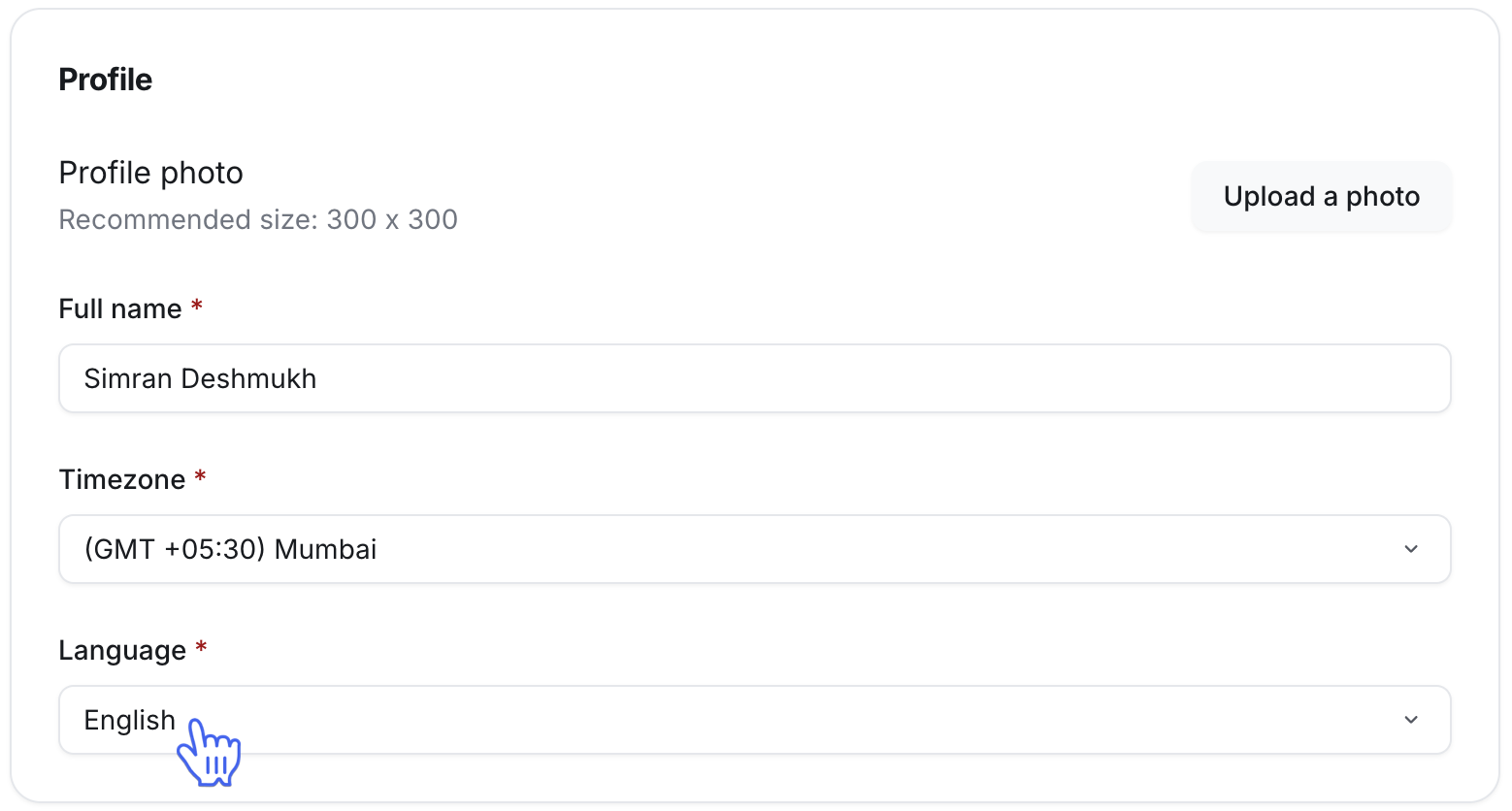
Your community account interface will automatically update to your selected language.