Get to know the Email Hub overview page
Last updated: October, 2026
The Email Hub overview page is designed to make managing your community’s email marketing easier and more intuitive. The overview page serves as a central hub giving you quick access to everything you need from your recently updated broadcasts to popular marketing automations and helpful resources.
In this article, we’ll explore what you can do from the Email Hub overview page.
Get to know the overview page
To access the Email Hub overview page, click Marketing in the left sidebar, then select Overview.
Email Hub launch checklist
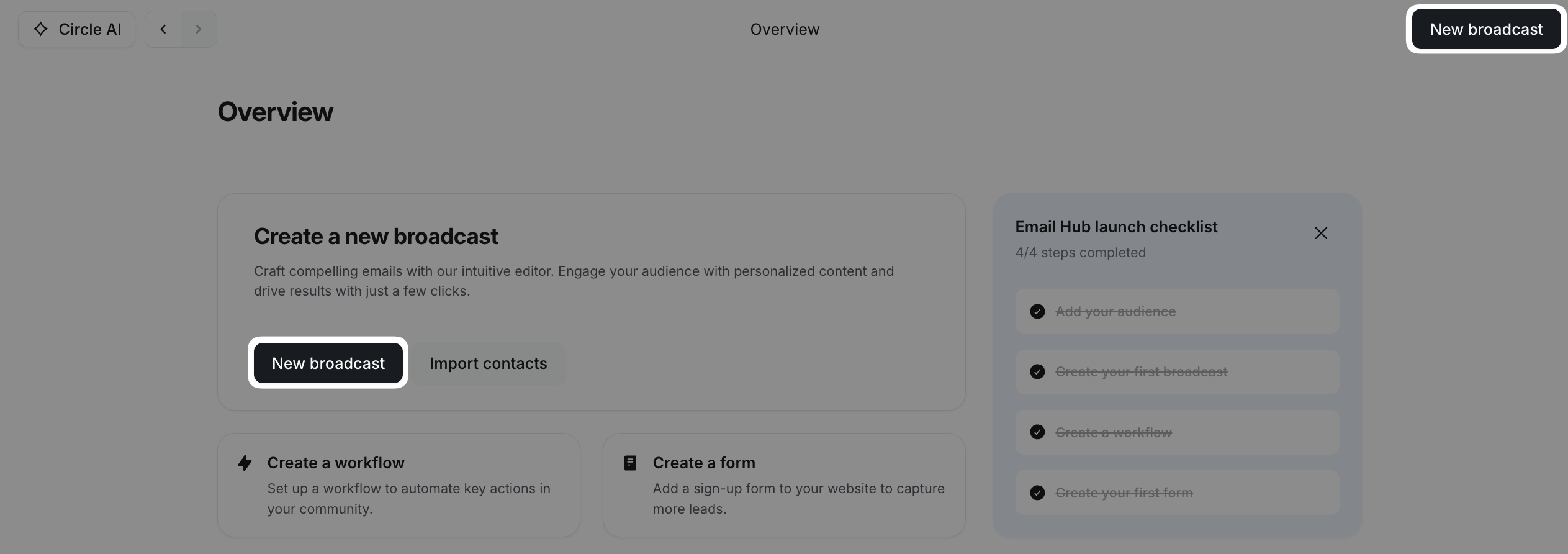
When you activate Email Hub in your community, you’ll see a launch checklist on your overview page. Completing the items will reveal the option to close the checklist.
Create a new broadcast
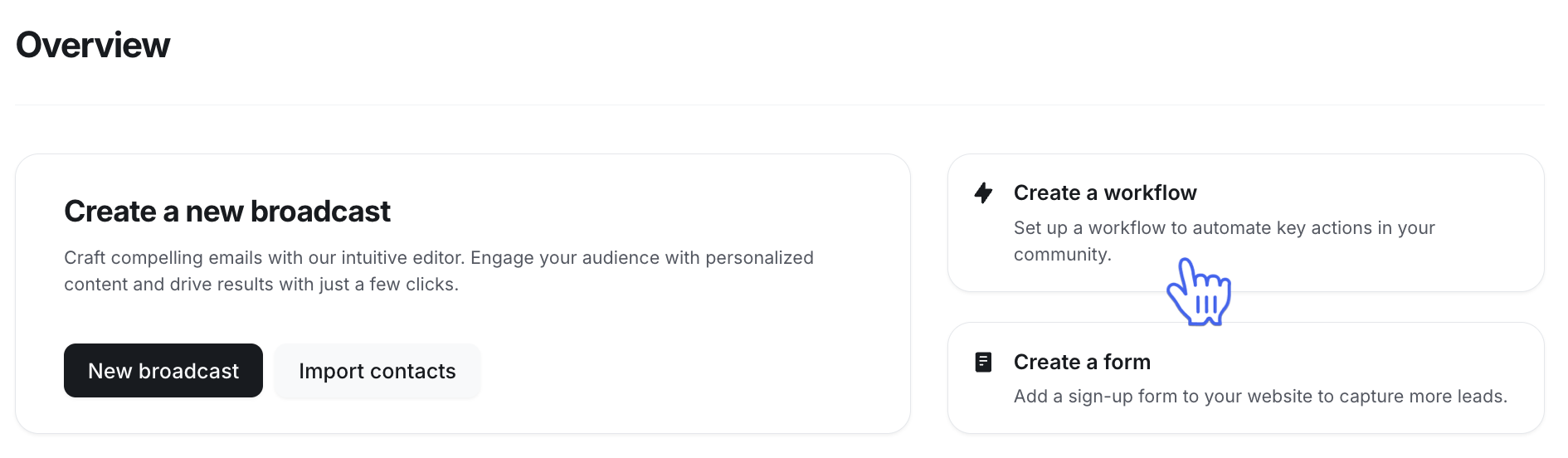
Jump right into drafting a broadcast from the overview page. Click New broadcast in the top right corner of the page or under the Create a new broadcast section.
Import contacts and add audience
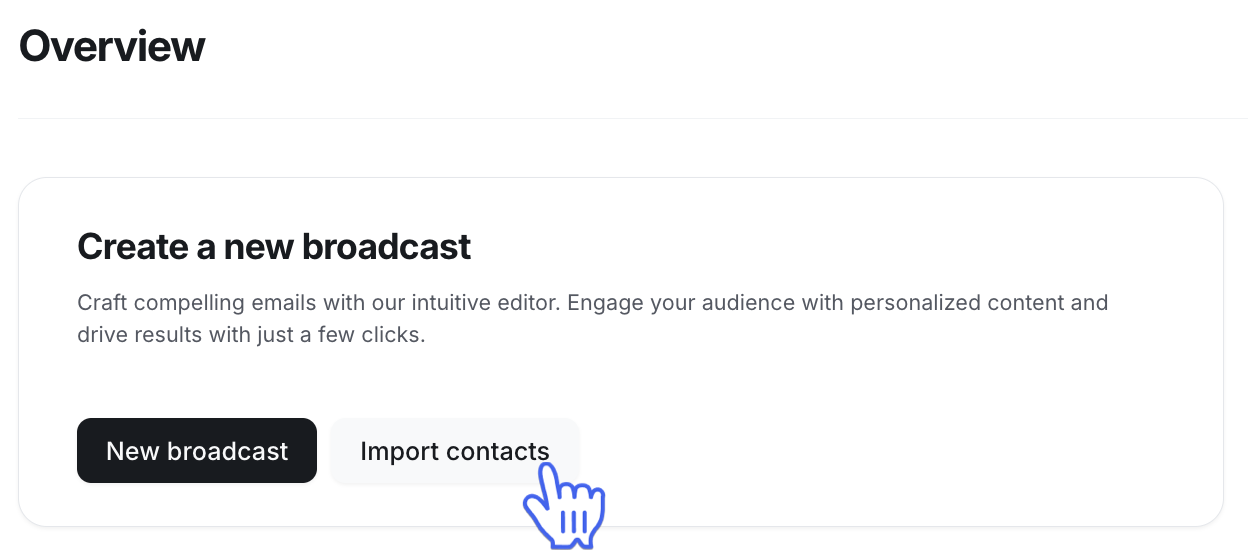
To import a CSV of your contacts directly from the overview page, click Import contacts under the Create a new broadcast section.
📚 To learn more about the different types of contacts, see Understanding contacts.
Marketing automations
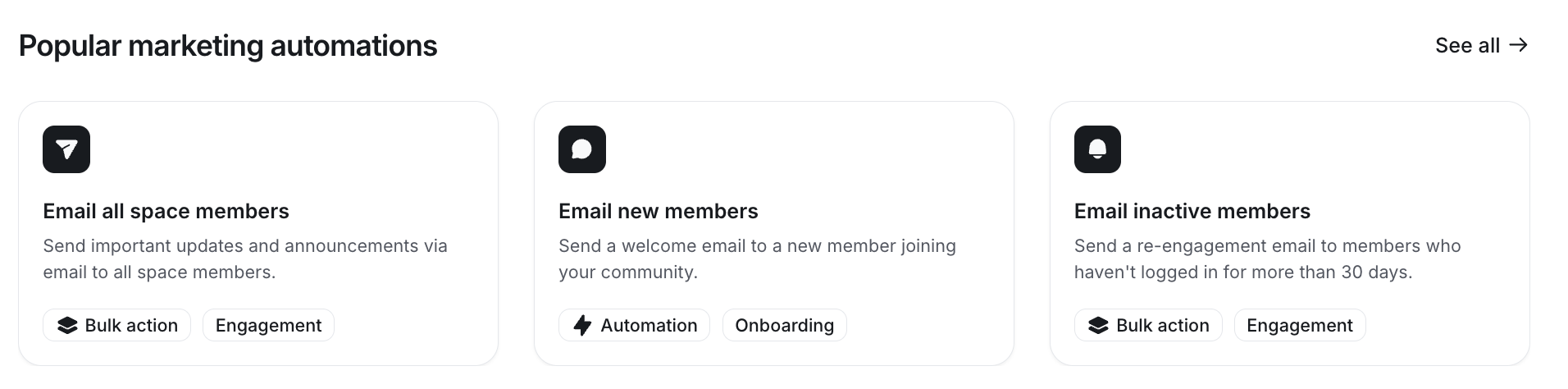
The overview page lists popular workflows with ready-to-use templates to get started quickly with marketing automation.
Select a workflow from the Popular marketing automations section, then click it to start configuring.
You can also create your own workflow from scratch or from a template by clicking Create Workflow in the Create a new broadcast section.
Recently updated
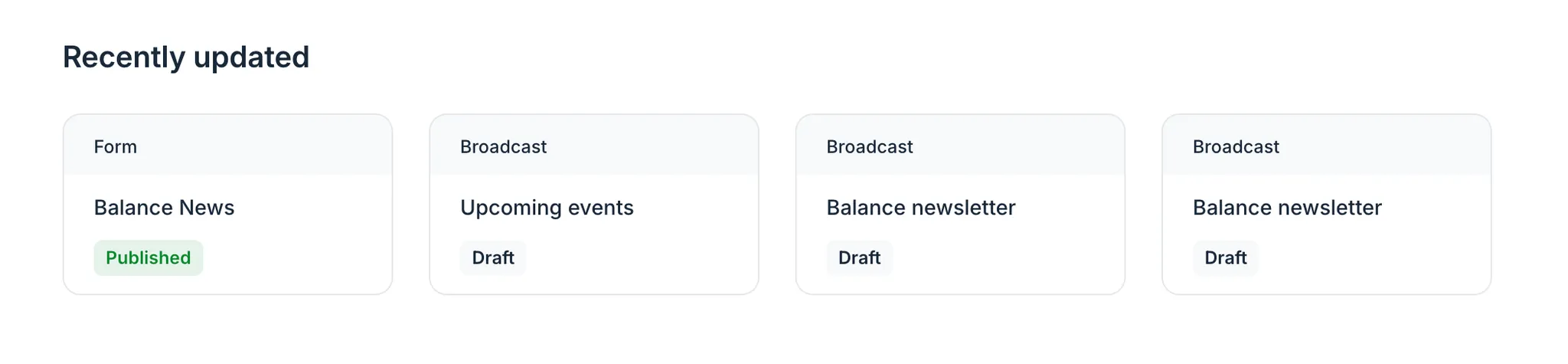
This section highlights recently updated forms and broadcasts, making it easy to pick up where you left off, review your last broadcast, or review any changes your team has made.
Resources
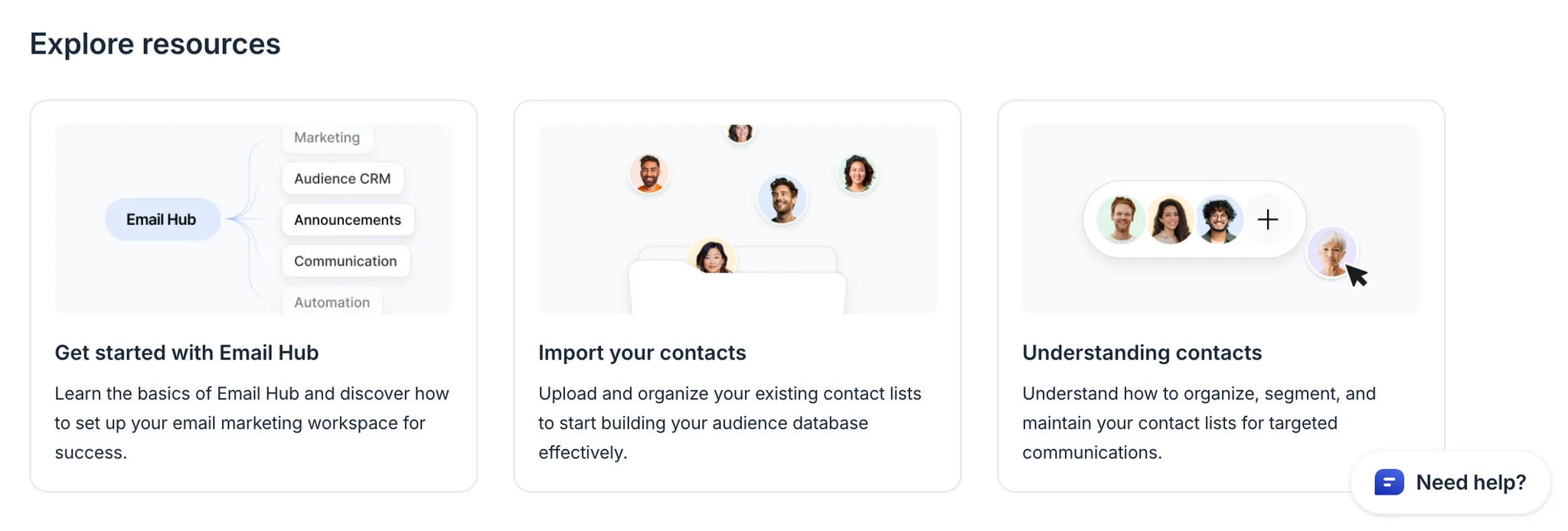
Explore help-center guides and best practices for Email Hub, all in one place.