Chat message reactions
Last updated: September, 2026
If you’d like to respond to a message without typing, react with an emoji instead. Whether you want to convey approval with a thumbs-up, express laughter, or show your support, emoji reactions let you do so.
Reactions are available to all users in DMs, chat spaces, course lesson comments, and live chat during live streams and rooms on both desktop and the Circle mobile apps.
React to a message on desktop
To react to a message on desktop:
Hover over the message you’d like to react to.
-
Click the Emoji icon in the hover menu.
-
Choose your emoji from the available options or search for one through the search bar.


React to a message on mobile
To react to messages on a Circle or your branded mobile app:
-
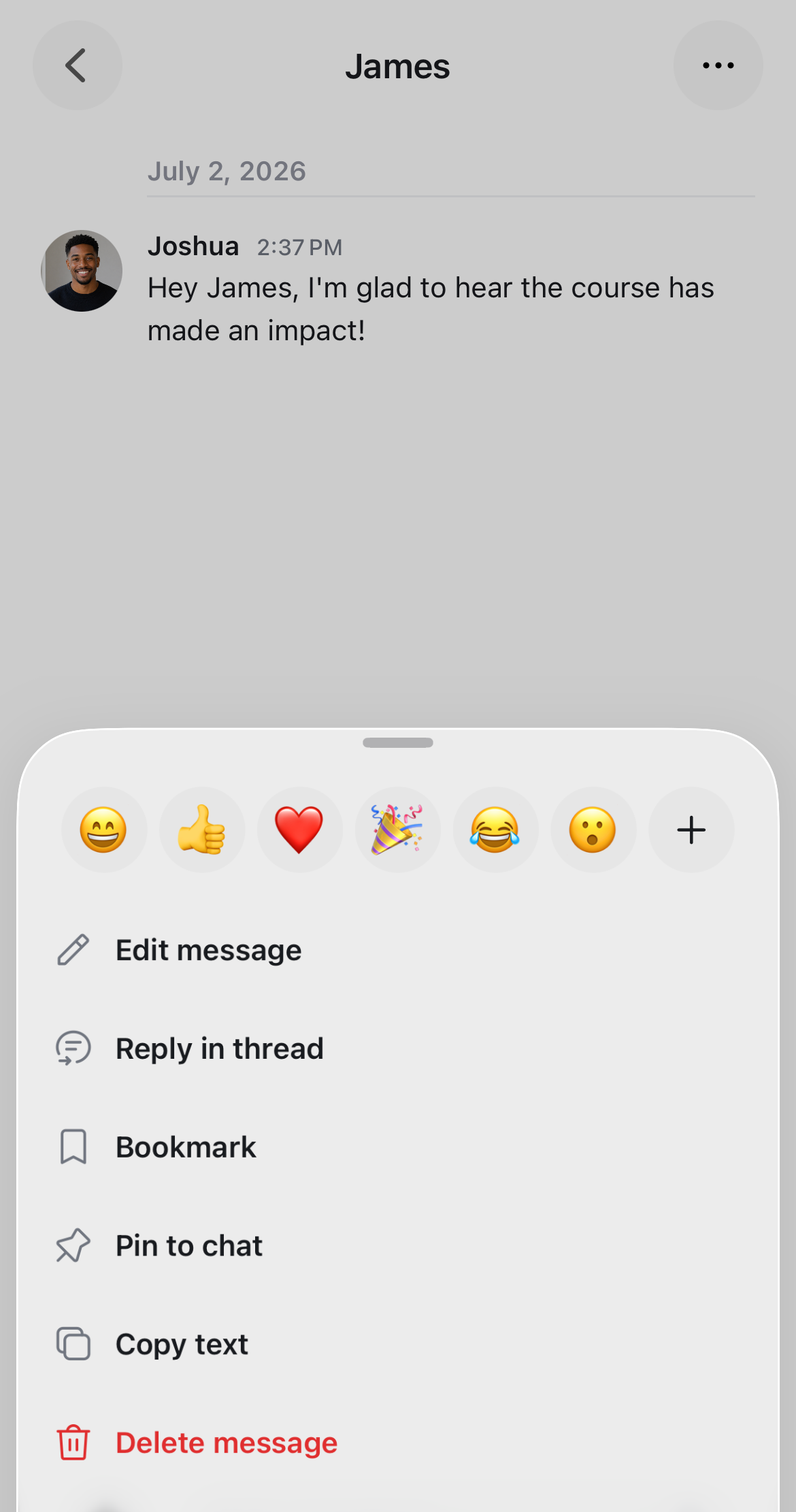
Tap and hold the message you’d like to react to.
-
Choose your emoji from the action menu that appears.
If you don't see the reaction you want, tap the Plus icon to open the full emoji picker.
View or remove a reaction
Your emoji reactions will be highlighted in blue. Reactions with multiple responses will display a count, and when you hover over them, you'll see the names of people who also reacted with that same emoji.
If there's already an emoji reaction, you can click the emoji to add your own reaction. To remove your reaction from the message, click the emoji again.