Viewing analytics for your branded apps
Last updated: October, 2026
To view mobile analytics for branded apps within your community, click Analytics in the left sidebar, then select Devices. Additionally, you can access detailed analytics through the Apple and Google developer portals.
Apple (iOS)
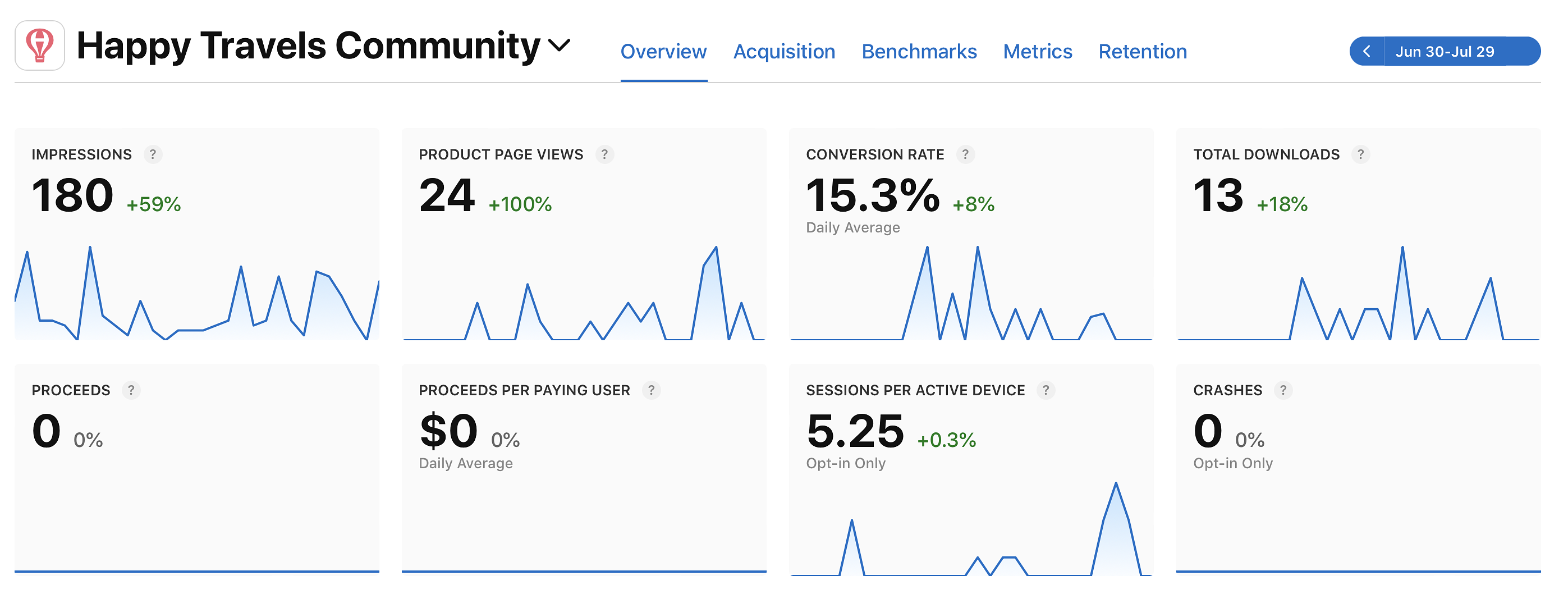
In App Store Connect, navigate to the Analytics tab at the top of the screen.
Find and click on your branded app.
On the right side of your screen, you can adjust the dates that you’re interested in analyzing.
📚 For further assistance with Apple’s iOS app analytics, please reference their help articles.
ℹ️ Note: Total downloads may not translate to unique users since some users may download your branded app on multiple devices.
Google (Android)
In the Google Play Console, find and click on your branded app.
Navigate to the Statistics tab on the left sidebar.
Using the filters in the drop-down menus, you can customize your analytics dashboard. In addition, on the right side of your screen, you can adjust the dates that you’re interested in analyzing.
📚 For further assistance with Google's Android app analytics, please reference their help articles.