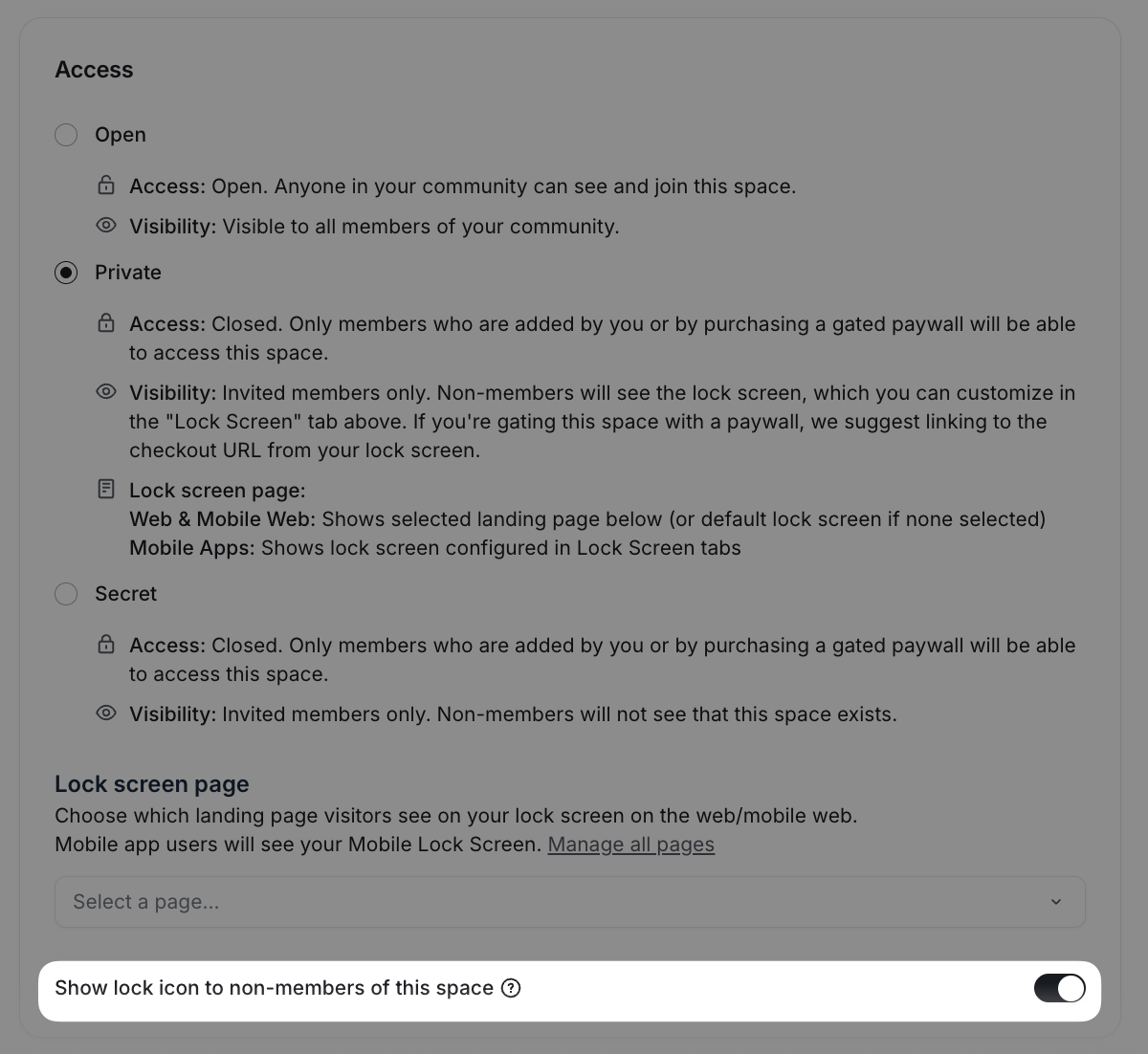
Display a lock icon to non-members of a private space
Last updated: September, 2026
You have the flexibility to customize how a space icon for private space appears to non-space members in the left sidebar of your community.
Instead of displaying the space icon you have set, you can decide to show a lock icon to non-space members allowing you to effectively communicate the privacy status of the space to non-space members.
To show a lock icon on private spaces:
Click Community in the left sidebar, then select Spaces.
Hover over the private space name and click More actions (three dots) and select Edit space.
-
Under the Customize tab, in the Access section, turn on the Show lock icon to non-members of this space toggle.
Click Save changes.