Bookmarking content to save for later
Last updated: September, 2026
Bookmarking is a simple yet powerful way to keep track of content that matters to you, whether it’s a particularly insightful post, an upcoming event you don't want to miss, or essential lessons within your community.
ℹ️ Note: This feature is available to everyone in your community and is accessible via both desktop and mobile browsers, as well as within the Circle mobile apps.
Save bookmarks
With the bookmarking feature, you can save your favorite or important content for later and access it anytime from the Bookmarks panel.
The following type of content within your community can be saved as a bookmark:
Posts and events
Comments within posts and events
Image posts and its comments
Lessons and quizzes
Individual and group DMs (Web only)
Chat space messages (Web only)
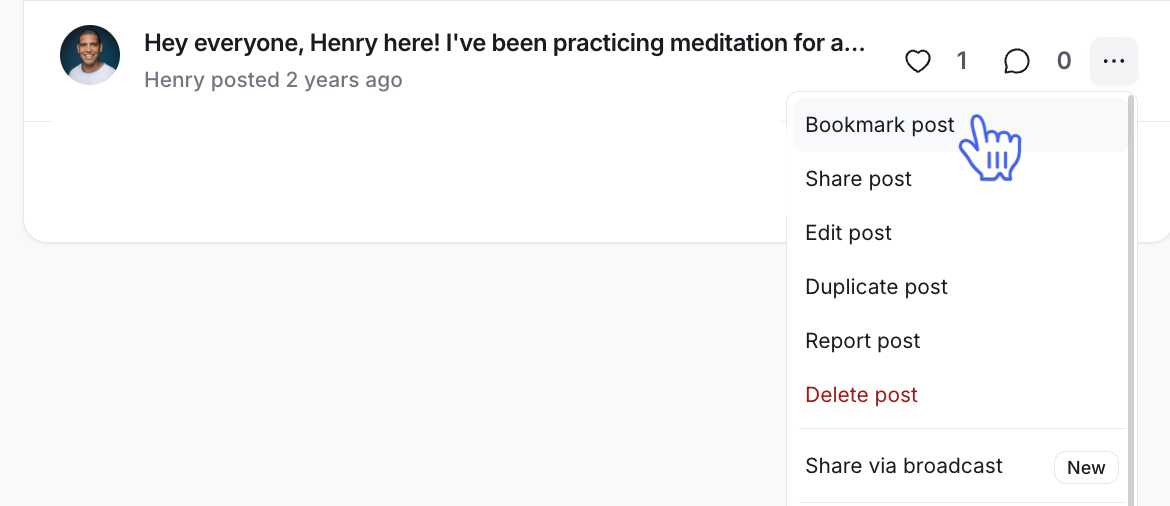
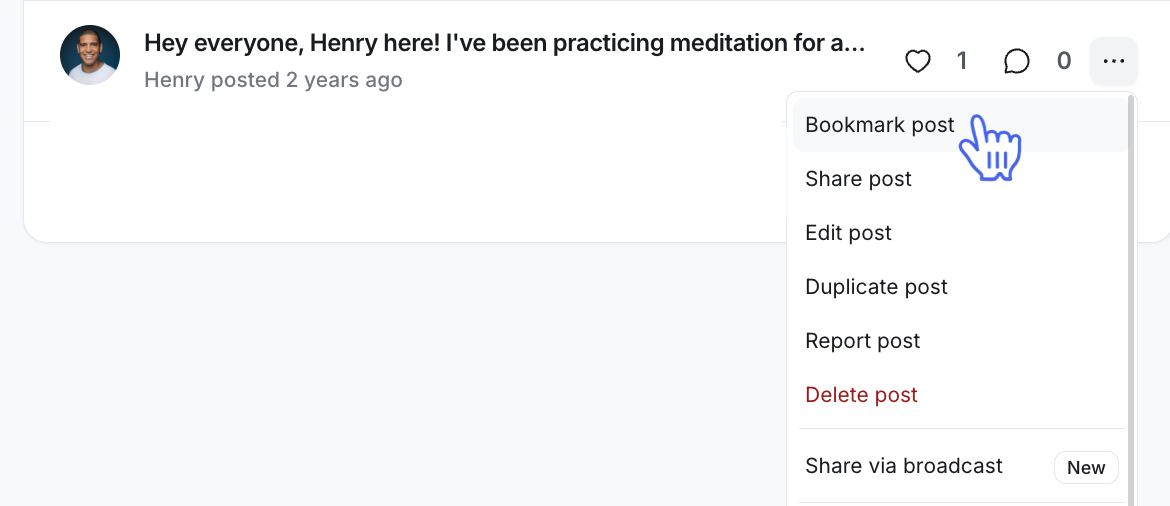
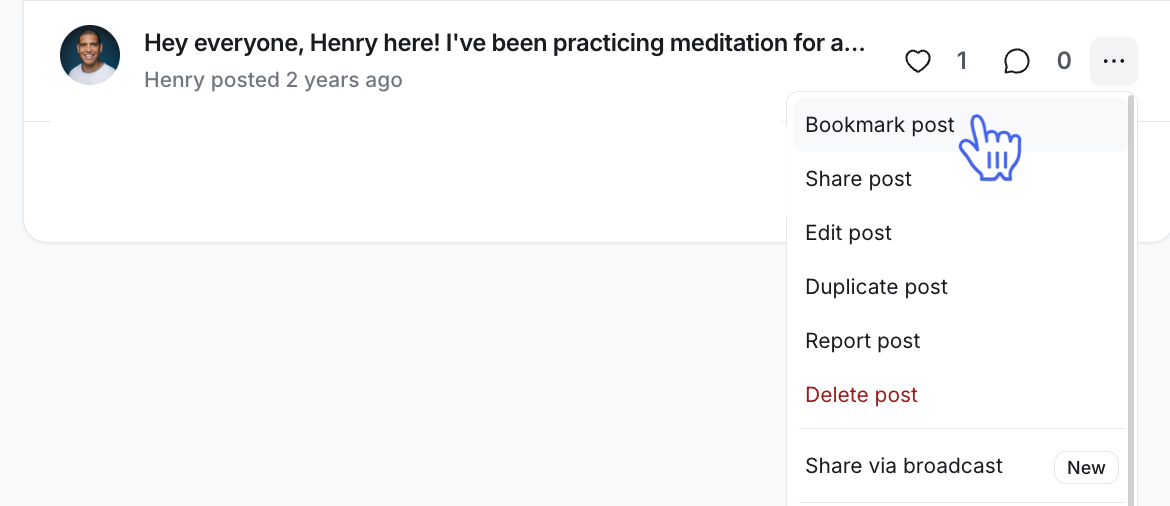
To bookmark the posts, events, image posts, or comments, click the More actions (three dots) icon next to it and select Bookmark. When viewing an entire post or event, you can also bookmark it by clicking the Bookmark icon.
To bookmark lessons, head to the course space and open the lesson. Next, click the Bookmark icon located in the header to save the lesson.
To bookmark chat space messages or DMs, hover over the message and click the Bookmark icon.
Access bookmarks
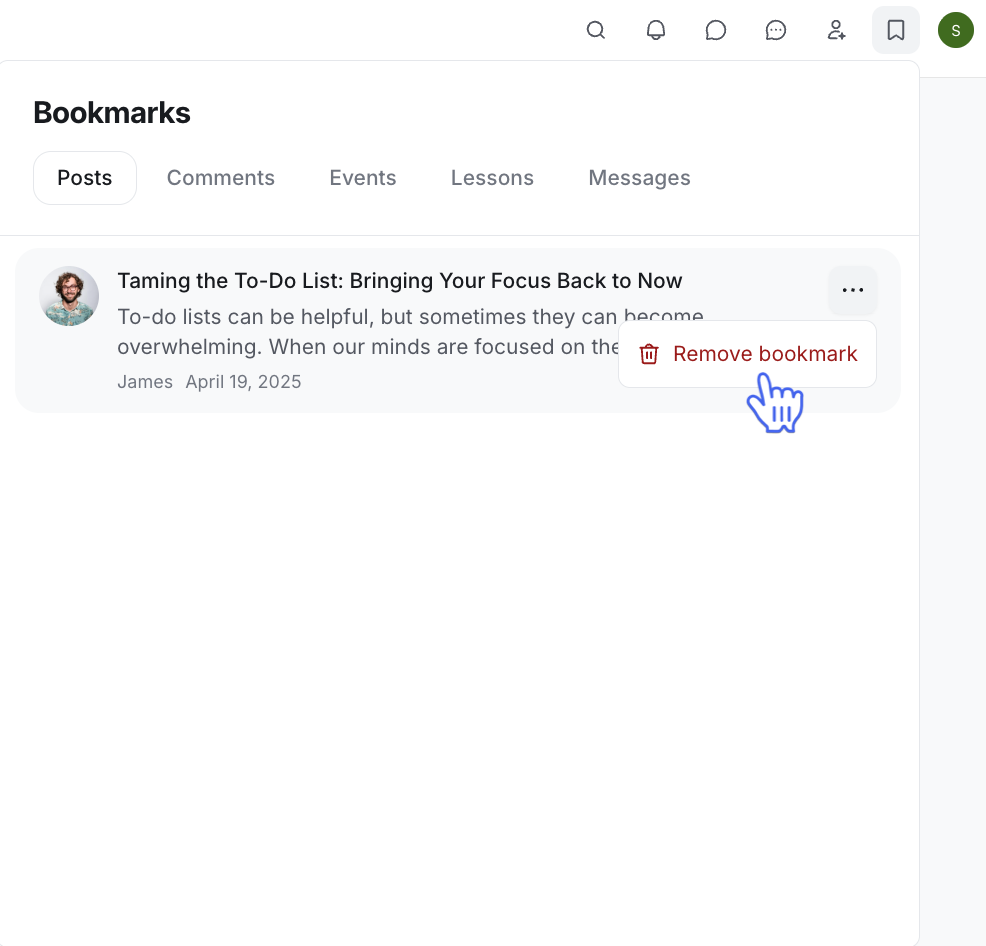
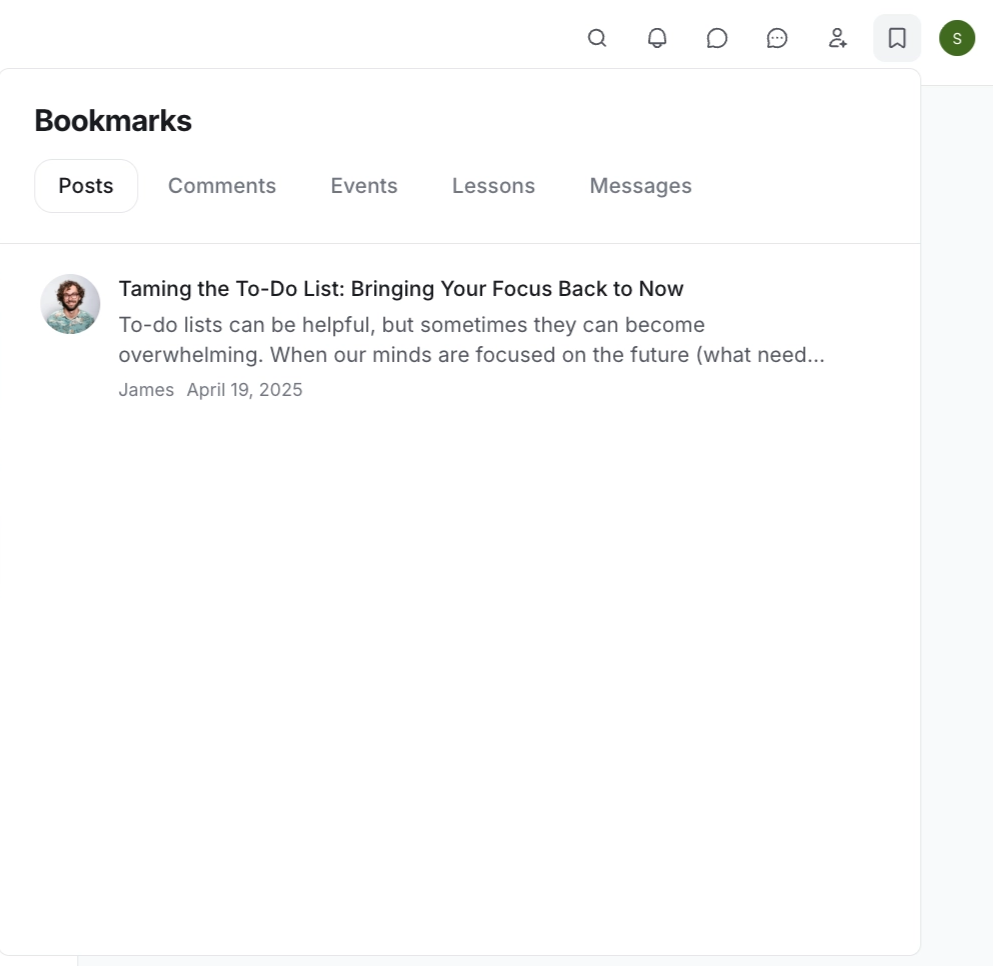
Once you've bookmarked content, accessing it is just as straightforward. Simply click the Bookmarks icon in the community header.
You'll find all your saved content neatly categorized by type in the bookmarks panel. Additionally, if the author deletes any content you've bookmarked, you will see the deletion message instead of the content title.
💡 Tip: To open your saved bookmarks in a new browser tab, hold down the Cmd key (or Ctrl on Windows) and click the bookmark.
Remove bookmarks
When any bookmark is no longer needed, you have the option to remove it from the bookmarks panel or directly from the content itself.
To remove the bookmark, hover over it, click the More actions (three dots) icon, and select Remove bookmark.