Manage your membership payment method
🟡 Member-focused article | Last updated: October, 2026
This article will walk you through the steps to add or update your existing payment method from your billing page.
Supported payment methods and currencies
When adding a payment method for paywall purchases, we support the same online card brands as Stripe. You can utilize cards that are linked to a debit or credit account at a bank or financial institution. See here for a full list.
When enabled by the community, you will also have the option to add your Google Pay or Apple Pay account as your payment method. To select one of these as your method of payment:
They must be enabled by the community.
Your Apple or Google Pay wallet must have a valid payment method registered.
You must be signed in to your Apple or Google account in the same web browser.
If you pay in a currency that is different than the one accepted for the paywall, your bank will apply a conversion rate.
Access the billing page
To access the billing page, click your profile photo in the community header and select Billing.
Add payment method
If you have subscribed to a membership with a trial period, you can add a payment method before the trial expires to continue the membership on a paid plan.
❗Important: You can only add one payment method to your billing.
To add a payment method:
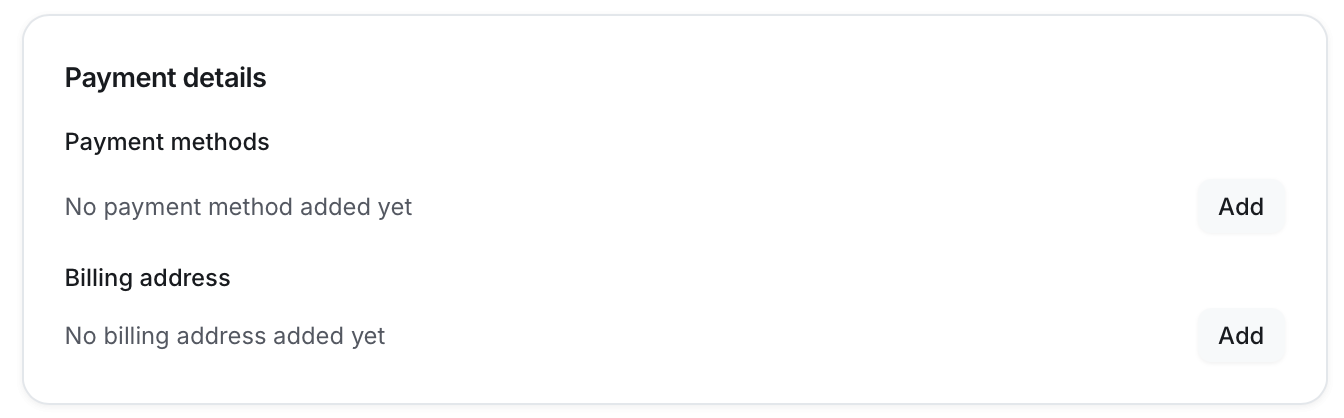
Navigate to the Payment details section on your billing page.
-
Click Add next to the payment method.
-
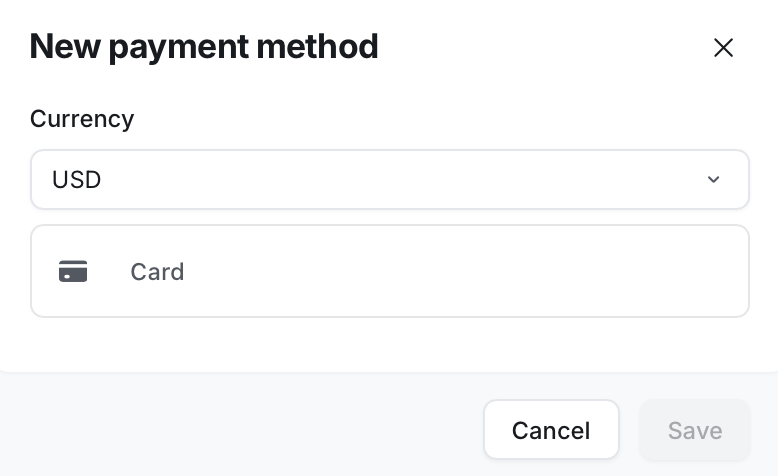
Select Card and enter your credit card information.
When available, you will also have the option to add a Google or Apple Pay wallet. See the Supported payment methods and currencies section above.
-
Currency: This will be preselected based on your subscription currency.
Click Save.
Update payment method
If you already have a payment method added to your membership, you can update it anytime.
❗Important: Updating your payment method will replace the existing payment method you have stored in the billing.
To update a payment method:
Navigate to the Payment details section.
-
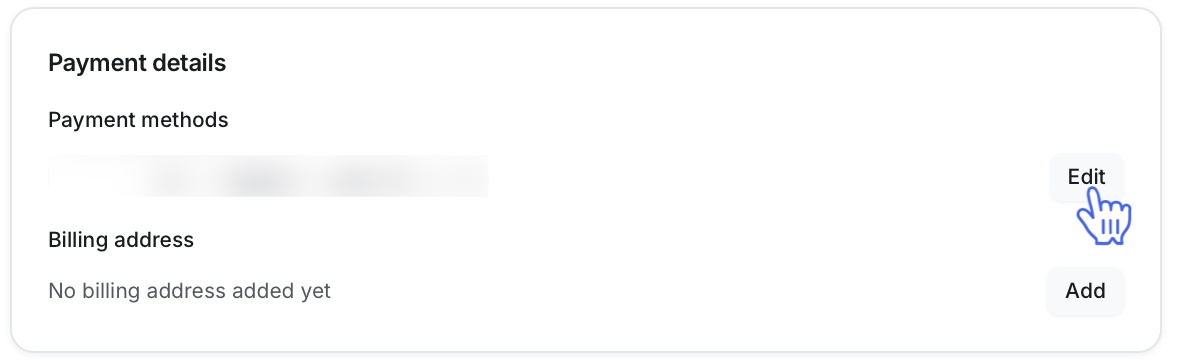
Click Edit beside the current payment method.
-
Select Card and enter your credit card information.
When available, you will also have the option to add a Google or Apple Pay wallet. See the Supported payment methods and currencies section above.
Click Save.